Creality Falcon A1 Pro 20W vs xTool D1 Pro 20W
Spec-by-spec breakdown of the Creality Falcon A1 Pro 20W and the xTool D1 Pro 20W: scores, pricing, cutting performance, software, and what each machine is really best at.
8.0
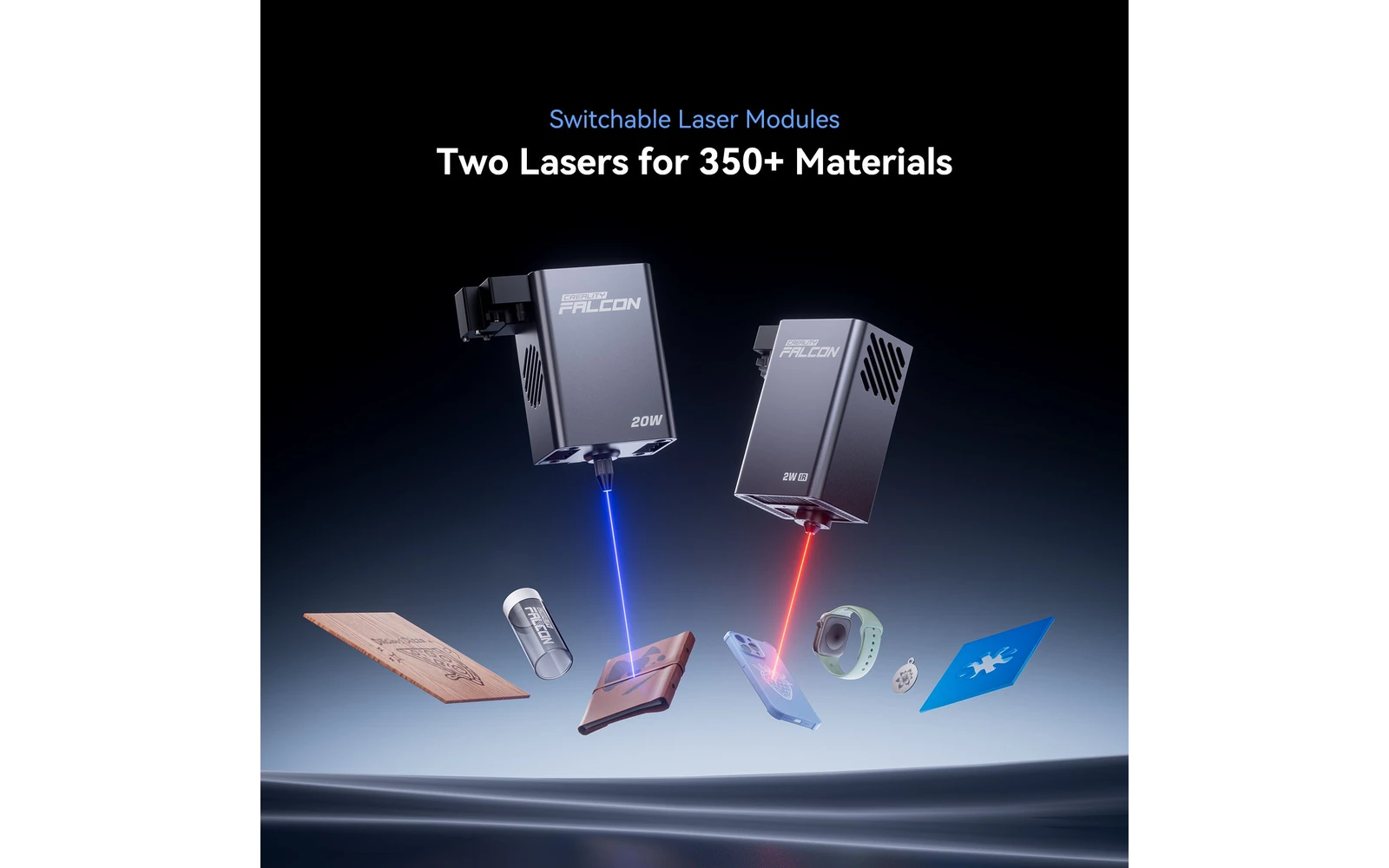
Creality Falcon A1 Pro 20WCreality · Hybrid
Creality Falcon A1 Pro 20W adds a dual-laser setup in an enclosed chassis for faster engraving and some metal/plastic marking. Middle ground between A1 10W and the open Falcon 2 Pro 40W line.
View full profile →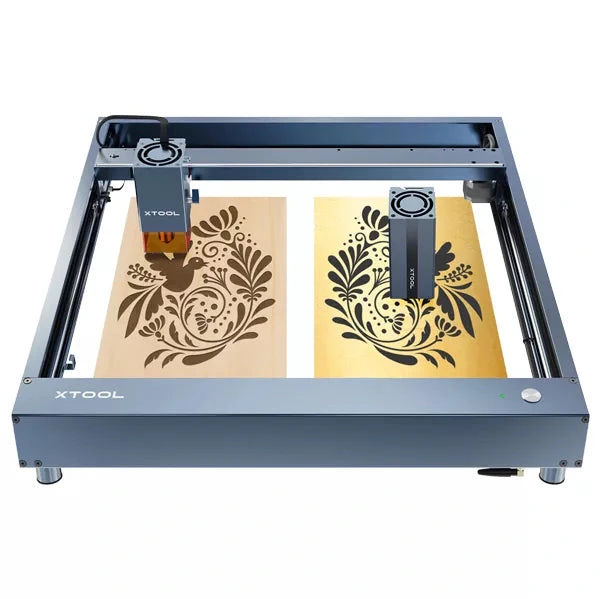
8.1
xTool D1 Pro 20WxTool · Diode
The 20W D1 Pro module is xTool's most popular open-frame head: mixed engraving and light cutting on the large D1 bed. Verify optical power on the listing; swap to 40W later if cut jobs dominate.
View full profile →Our verdict
Creality Falcon A1 Pro 20W
1 spec wins
Creality Falcon A1 Pro 20W wins on
xTool D1 Pro 20W
9 spec wins
xTool D1 Pro 20W wins on
Overall, the xTool D1 Pro 20W takes it: 8.1 vs 8.0 in our scoring.
| Spec | Creality Falcon A1 Pro 20W | xTool D1 Pro 20W |
|---|---|---|
| Overview | ||
| Brand | Creality | xTool |
| Laser type | Hybrid (diode + IR) | Diode |
| Main focus | Handles everyday engraving and cutting jobs | Handles everyday engraving and cutting jobs |
| Main objective | Everyday engraving plus reliable light cutting on wood, leather, and dark acrylic | Everyday engraving plus reliable light cutting on wood, leather, and dark acrylic |
| Best for |
|
|
| Scores | ||
| Score | 8.0 | Best8.1 |
| Value score | Best9.1 | 7.8 |
| Ease of use | 8.0 | Best8.8 |
| Capability | 7.2 | Best7.6 |
| Build quality | 7.8 | Best8.8 |
| Pricing | ||
| Price | $1,099 – $1,299 1.011 € – 1.195 € | Best $699 – $899 643 € – 827 € 20W optical module: verify SKU before buying |
| Hardware | ||
| Power | 20W diode + infrared auxiliary | 20W diode |
| Work area | 250 × 250 mm | Best430 × 390 mm |
| Precision | 0.01 mm | 0.01 mm |
| Real-world performance | ||
| Sample engrave | Filled photo or logo on birch plywood ~8–12 min · 10 × 10 cm (4 × 4 in) | Filled photo or logo on birch plywood ~11–15 min · 10 × 10 cm (4 × 4 in) |
| Sample cut | Simple square cut-out from 3 mm basswood ~4–7 min · 10 × 10 cm (4 × 4 in) | Simple square cut-out from 3 mm basswood ~6–9 min · 10 × 10 cm (4 × 4 in) |
| Spot size | ~0.08 mm spot | ~0.07 mm spot |
| Max speed | 300 mm/s | 400 mm/s |
| Materials | ||
| Engraves |
| Best
|
| Cuts |
| Best
|
| Cannot do |
|
|
| Software & connectivity | ||
| Software | LightBurn, LaserGRBL | xTool Creative Space, LightBurn |
| Connectivity | USB, Wi-Fi | Wi-Fi, USB |
| Verdict | ||
| TL;DR | Creality Falcon A1 Pro 20W adds a dual-laser setup in an enclosed chassis for faster engraving and some metal/plastic marking. Middle ground between A1 10W and the open Falcon 2 Pro 40W line. | The 20W D1 Pro module is xTool's most popular open-frame head: mixed engraving and light cutting on the large D1 bed. Verify optical power on the listing; swap to 40W later if cut jobs dominate. |
| Pros |
| Best
|
| Cons |
|
|
“Best” highlights the strongest spec on paper for that row only — not an overall buying recommendation.
Frequently asked questions
Which is better: Creality Falcon A1 Pro 20W or xTool D1 Pro 20W?
In our scoring, the xTool D1 Pro 20W comes out ahead with 8.1/10 overall versus 8.0/10 for the Creality Falcon A1 Pro 20W. The detailed table above shows exactly where each machine wins.
Which is cheaper: Creality Falcon A1 Pro 20W or xTool D1 Pro 20W?
The xTool D1 Pro 20W is the more affordable option, starting around $699, versus $1,099 for the Creality Falcon A1 Pro 20W.
Which is better for a beginner: Creality Falcon A1 Pro 20W or xTool D1 Pro 20W?
The xTool D1 Pro 20W is the easier machine to start with: it scores 8.8/10 for ease of use, versus 8.0/10 for the Creality Falcon A1 Pro 20W.
What is the main difference between the Creality Falcon A1 Pro 20W and the xTool D1 Pro 20W?
The Creality Falcon A1 Pro 20W is a Hybrid laser geared toward engraving & cutting, while the xTool D1 Pro 20W is a Diode laser geared toward engraving & cutting. That difference drives most of the gaps you see in the comparison table.