Creality Falcon2 Pro 40W vs xTool S1 20W
Spec-by-spec breakdown of the Creality Falcon2 Pro 40W and the xTool S1 20W: scores, pricing, cutting performance, software, and what each machine is really best at.
7.7
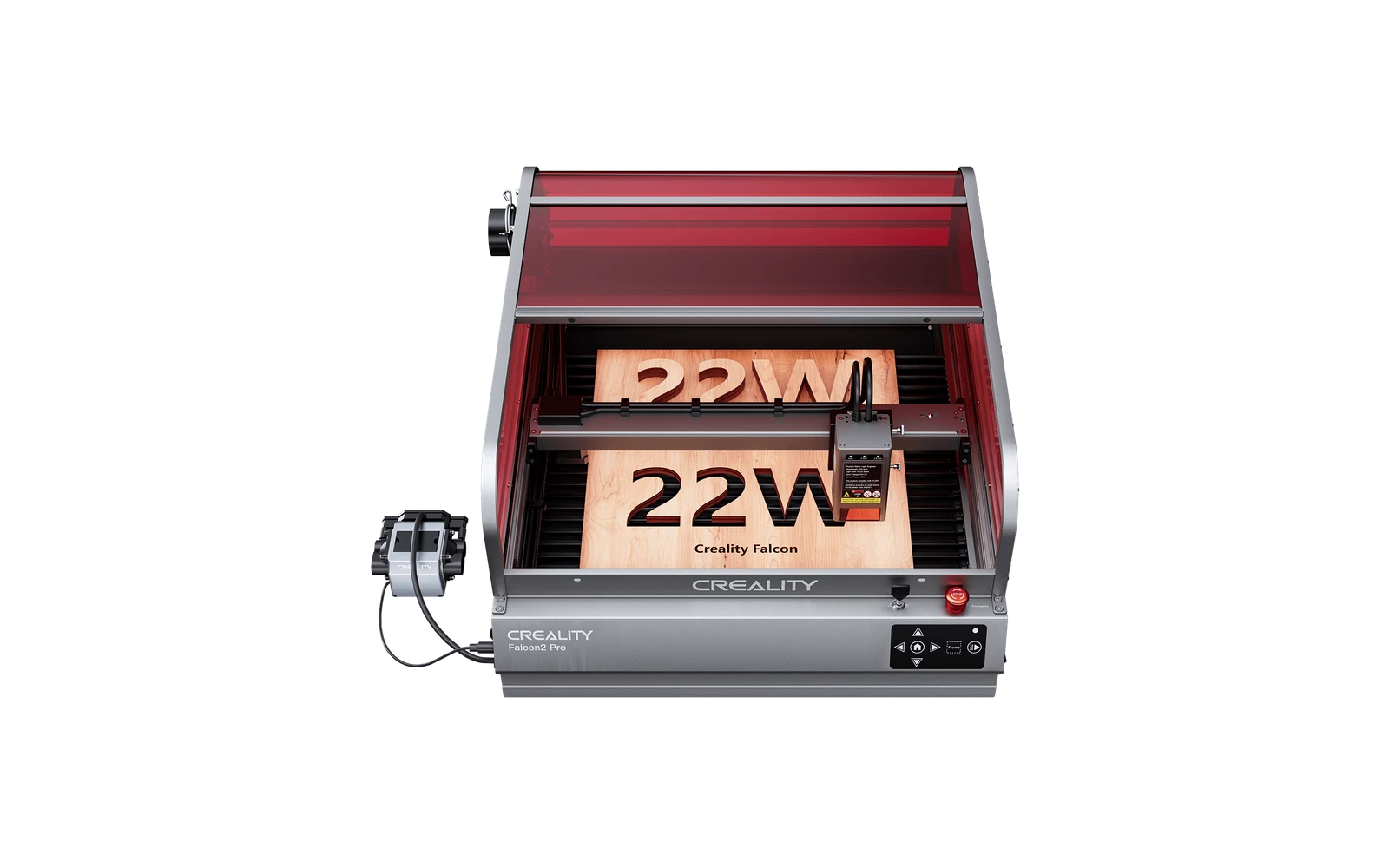
Creality Falcon2 Pro 40WCreality · Diode
Creality Falcon2 Pro 40W is the 40W SKU on the Creality creality falcon2 pro line. Creality's top open-frame diode at 60W combined (22W optical class). Verify optical power on the listing: do not assume combined-watt marketing.
View full profile →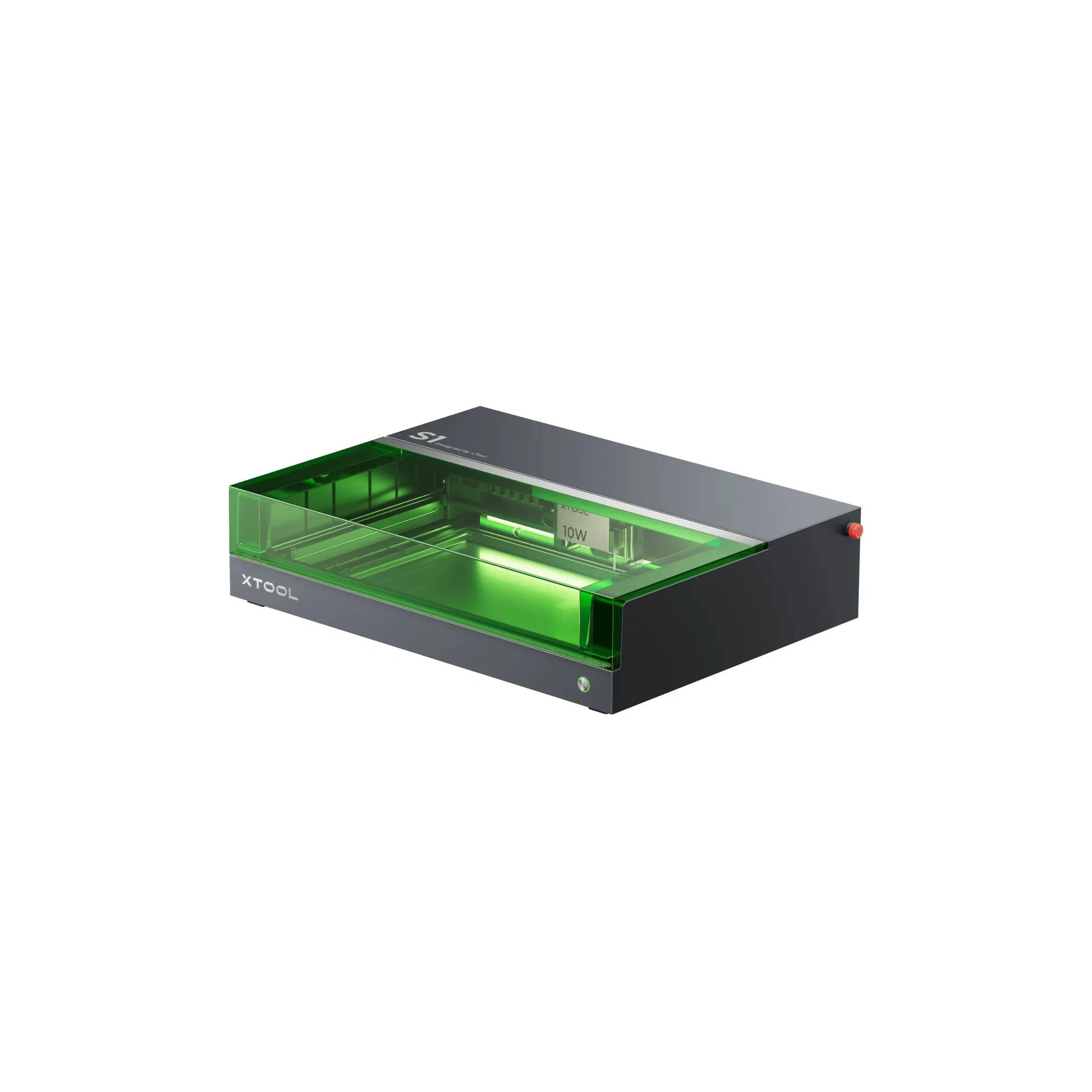
8.0
xTool S1 20WxTool · Diode
The 20W S1 is the value pick in xTool's enclosed diode line: same cabinet and filters as the 40W, but less cut depth on thick wood. Buy this if safety matters and you mostly engrave.
View full profile →Our verdict
Creality Falcon2 Pro 40W
3 spec wins
Creality Falcon2 Pro 40W wins on
xTool S1 20W
4 spec wins
xTool S1 20W wins on
Overall, the xTool S1 20W takes it: 8.0 vs 7.7 in our scoring.
| Spec | Creality Falcon2 Pro 40W | xTool S1 20W |
|---|---|---|
| Overview | ||
| Brand | Creality | xTool |
| Laser type | Diode | Diode (diode + IR) |
| Main focus | Built mainly for cutting shapes and parts | Handles everyday engraving and cutting jobs |
| Main objective | Maximum cut speed and depth in the line: engraving remains strong at tuned speeds | Everyday engraving plus reliable light cutting on wood, leather, and dark acrylic |
| Best for |
|
|
| Scores | ||
| Score | 7.7 | Best8.0 |
| Value score | Best7.4 | 7.2 |
| Ease of use | 8.0 | Best9.2 |
| Capability | 7.2 | 7.2 |
| Build quality | 8.0 | Best9.0 |
| Pricing | ||
| Price | Best $799 – $1,099 735 € – 1.011 € 40W optical module: verify SKU before buying | $999 – $3,049 919 € – 2.805 € 20W enclosed SKU |
| Hardware | ||
| Power | Best40W diode | 20W diode (enclosed) |
| Work area | 400 × 415 mm | Best430 × 390 mm |
| Precision | 0.01 mm | 0.01 mm |
| Real-world performance | ||
| Sample engrave | Filled photo or logo on birch plywood ~12–18 min · 10 × 10 cm (4 × 4 in) | Filled photo or logo on birch plywood ~9–14 min · 10 × 10 cm (4 × 4 in) |
| Sample cut | Simple square cut-out from 3 mm basswood ~6–10 min · 10 × 10 cm (4 × 4 in) | Simple square cut-out from 3 mm basswood ~5–8 min · 10 × 10 cm (4 × 4 in) |
| Spot size | ~0.06 mm spot | ~0.07 mm spot |
| Max speed | 417 mm/s | 400 mm/s |
| Materials | ||
| Engraves |
|
|
| Cuts |
|
|
| Cannot do |
|
|
| Software & connectivity | ||
| Software | Creality Laser, LightBurn | xTool Creative Space, LightBurn |
| Connectivity | USB | Wi-Fi, USB |
| Verdict | ||
| TL;DR | Creality Falcon2 Pro 40W is the 40W SKU on the Creality creality falcon2 pro line. Creality's top open-frame diode at 60W combined (22W optical class). Verify optical power on the listing: do not assume combined-watt marketing. | The 20W S1 is the value pick in xTool's enclosed diode line: same cabinet and filters as the 40W, but less cut depth on thick wood. Buy this if safety matters and you mostly engrave. |
| Pros |
|
|
| Cons |
|
|
“Best” highlights the strongest spec on paper for that row only — not an overall buying recommendation.
Frequently asked questions
Which is better: Creality Falcon2 Pro 40W or xTool S1 20W?
In our scoring, the xTool S1 20W comes out ahead with 8.0/10 overall versus 7.7/10 for the Creality Falcon2 Pro 40W. The detailed table above shows exactly where each machine wins.
Which is cheaper: Creality Falcon2 Pro 40W or xTool S1 20W?
The Creality Falcon2 Pro 40W is the more affordable option, starting around $799, versus $999 for the xTool S1 20W.
Which is better for a beginner: Creality Falcon2 Pro 40W or xTool S1 20W?
The xTool S1 20W is the easier machine to start with: it scores 9.2/10 for ease of use, versus 8.0/10 for the Creality Falcon2 Pro 40W.
What is the main difference between the Creality Falcon2 Pro 40W and the xTool S1 20W?
The Creality Falcon2 Pro 40W is a Diode laser geared toward cutting, while the xTool S1 20W is a Diode laser geared toward engraving & cutting. That difference drives most of the gaps you see in the comparison table.