Glowforge Aura vs xTool P2
Spec-by-spec breakdown of the Glowforge Aura and the xTool P2: scores, pricing, cutting performance, software, and what each machine is really best at.
8.6
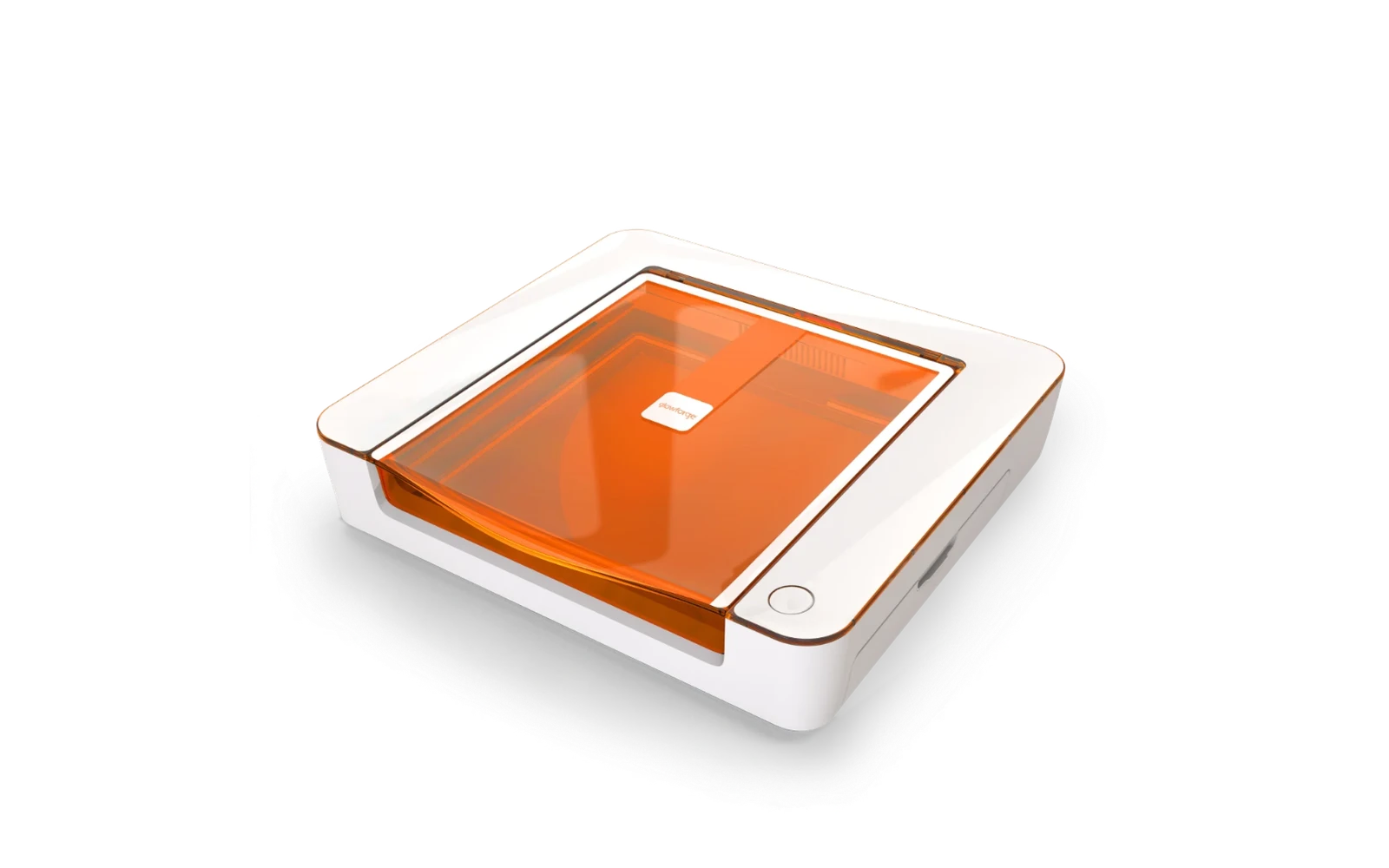
Glowforge AuraGlowforge · CO₂
Glowforge's compact CO₂ laser designed for crafters. Easy software, quick setup, and decent cutting for thin materials. The catch: premium hardware price plus required subscription for full features, and a smaller work area than xTool P2.
View full profile →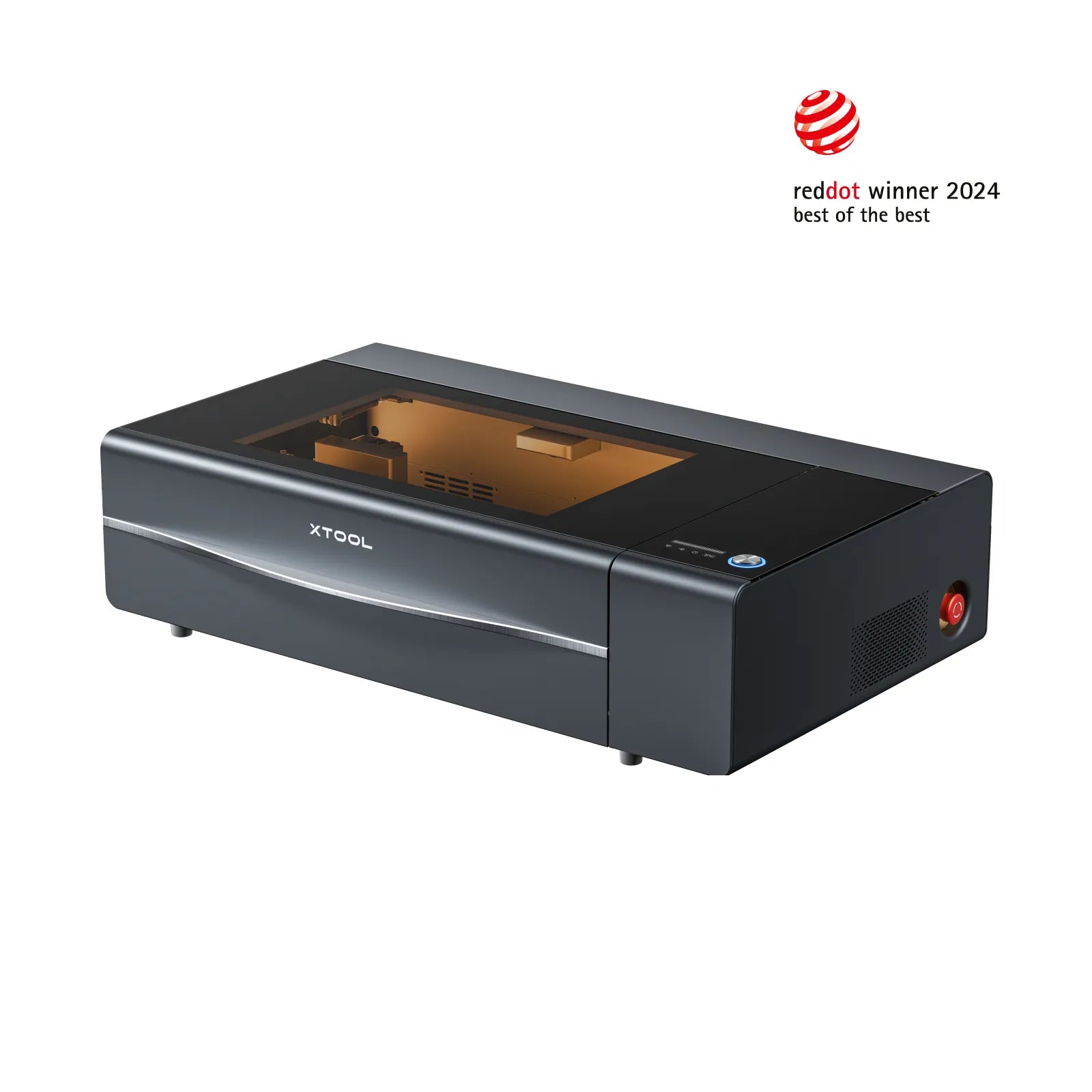
8.4
xTool P2xTool · CO₂
The xTool P2 is a 55W enclosed CO₂ laser with a large work area and camera alignment. It cuts acrylic and wood far better than any diode laser. Expensive, but the closest thing to a 'set up and run a small shop' desktop machine.
View full profile →Our verdict
Glowforge Aura
4 spec wins
Glowforge Aura wins on
xTool P2
6 spec wins
xTool P2 wins on
Overall, the Glowforge Aura takes it: 8.6 vs 8.4 in our scoring.
| Spec | Glowforge Aura | xTool P2 |
|---|---|---|
| Overview | ||
| Brand | Glowforge | xTool |
| Laser type | CO₂ | CO₂ |
| Main focus | Handles everyday engraving and cutting jobs | Handles everyday engraving and cutting jobs |
| Main objective | Easiest CO₂ setup for crafters who want zero tinkering | Professional cutting of acrylic, wood & leather for small businesses |
| Best for |
|
|
| Scores | ||
| Score | Best8.6 | 8.4 |
| Value score | Best9.0 | 7.2 |
| Ease of use | Best9.5 | 9.0 |
| Capability | 8.3 | 8.3 |
| Build quality | 8.5 | Best9.0 |
| Pricing | ||
| Price | Best $999 919 € Plus mandatory Premium subscription (~$50/mo) for full functionality | $3,399 – $6,609 3.127 € – 6.080 € Price varies with air assist and riser base options |
| Hardware | ||
| Power | 6.8W CO₂ | Best55W CO₂ glass tube |
| Work area | 279 × 241 mm | Best600 × 308 mm |
| Precision | 0.025 mm | Best0.01 mm |
| Dimensions | — | 970 × 510 × 320 mm |
| Weight | — | ~45 kg (99 lbs) |
| Real-world performance | ||
| Sample engrave | Filled photo or logo on birch plywood ~6–9 min · 10 × 10 cm (4 × 4 in) | Filled photo or logo on birch plywood ~4–6 min · 10 × 10 cm (4 × 4 in) |
| Sample cut | Simple square cut-out from 3 mm basswood ~3–5 min · 10 × 10 cm (4 × 4 in) | Simple square cut-out from 3 mm acrylic ~1–2 min · 10 × 10 cm (4 × 4 in) |
| Spot size | ~0.2 mm CO₂ spot | ~0.15 mm CO₂ spot |
| Max speed | 300 mm/s | 600 mm/s |
| Materials | ||
| Engraves |
| Best
|
| Cuts |
| Best
|
| Cannot do |
|
|
| Software & connectivity | ||
| Software | Glowforge web app | xTool Creative Space, LightBurn (compatible) |
| Connectivity | Wi-Fi | Wi-Fi, USB, Ethernet |
| Verdict | ||
| TL;DR | Glowforge's compact CO₂ laser designed for crafters. Easy software, quick setup, and decent cutting for thin materials. The catch: premium hardware price plus required subscription for full features, and a smaller work area than xTool P2. | The xTool P2 is a 55W enclosed CO₂ laser with a large work area and camera alignment. It cuts acrylic and wood far better than any diode laser. Expensive, but the closest thing to a 'set up and run a small shop' desktop machine. |
| Pros |
|
|
| Cons |
|
|
“Best” highlights the strongest spec on paper for that row only — not an overall buying recommendation.
Frequently asked questions
Which is better: Glowforge Aura or xTool P2?
In our scoring, the Glowforge Aura comes out ahead with 8.6/10 overall versus 8.4/10 for the xTool P2. The detailed table above shows exactly where each machine wins.
Which is cheaper: Glowforge Aura or xTool P2?
The Glowforge Aura is the more affordable option, starting around $999, versus $3,399 for the xTool P2.
Which is better for a beginner: Glowforge Aura or xTool P2?
The Glowforge Aura is the easier machine to start with: it scores 9.5/10 for ease of use, versus 9.0/10 for the xTool P2.
What is the main difference between the Glowforge Aura and the xTool P2?
The Glowforge Aura is a CO₂ laser geared toward engraving & cutting, while the xTool P2 is a CO₂ laser geared toward engraving & cutting. That difference drives most of the gaps you see in the comparison table.