3 manufacturer photos · 1 / 3
WeCreat · Diode
WeCreat Vision
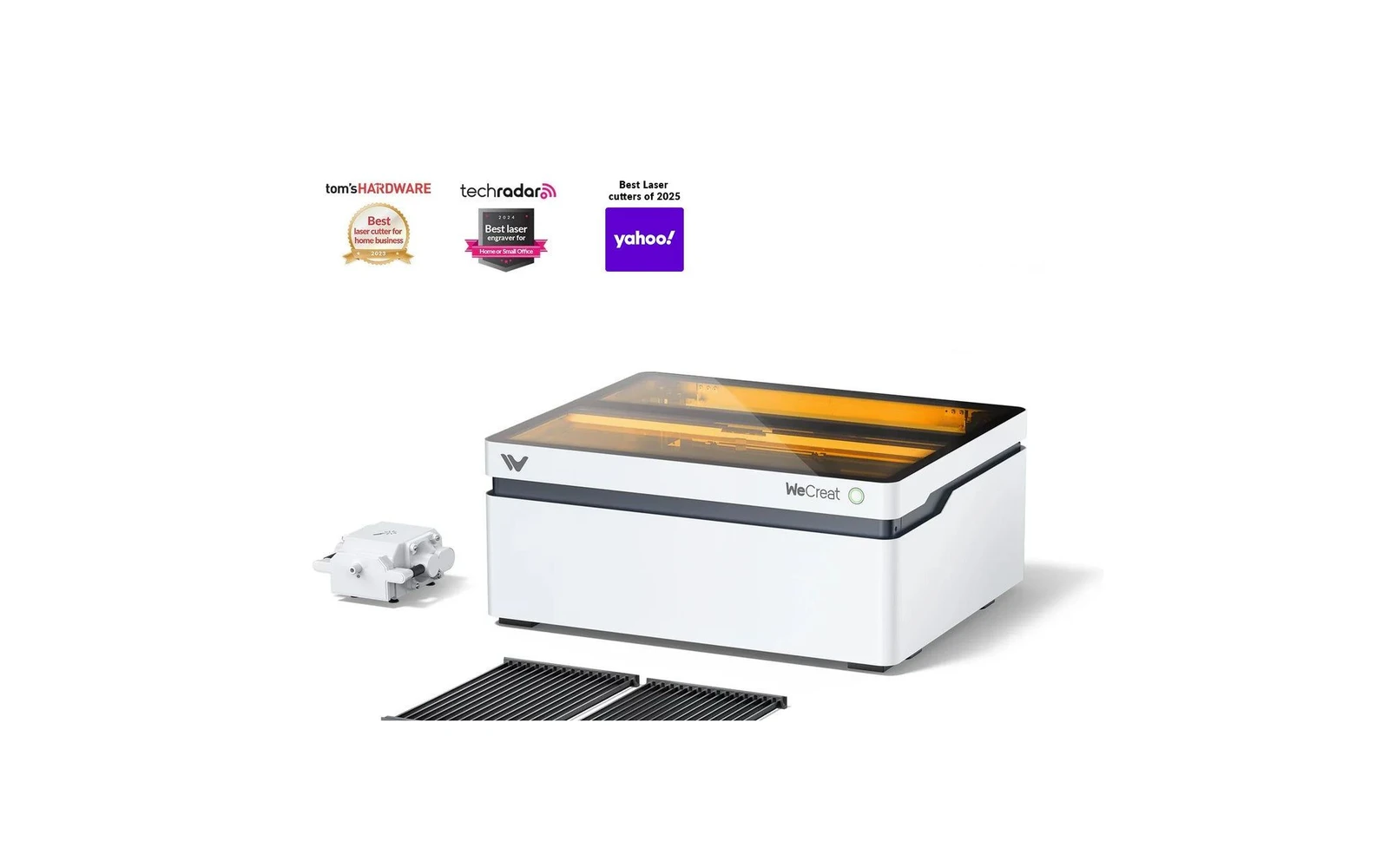
AI-assisted enclosed diode with live preview: beginner-friendly smart laser
All WeCreat models →Add to compare →
Last updated How we evaluate
Released July 2024
TL;DR
WeCreat's enclosed diode laser adds a camera and AI features for material detection and visual preview. Appealing for beginners who want guidance. Core laser performance is comparable to other enclosed diodes: you pay for the smart features.
Compare the WeCreat Vision to…
Popular side-by-side matchups with full specs, scores, and an honest verdict.
Best for
What makes this machine stand out
Hardware and workflow features worth understanding before you buy : not just wattage on a label.
Alignment camera
A built-in camera lets you overlay your design on the real material instead of guessing placement. That matters for repeat products, irregular blanks, and anyone who has wasted stock on a misaligned first run.
LightBurn compatible
LightBurn support means advanced layers, camera tools, and workflows many makers outgrow the stock app with. Confirm your exact controller board before assuming full features : some machines need a paid license separately.
Our verdict
Ideal if you
WeCreat Vision 20W is the versatile hobby / side-business SKU: clean engraving and light wood or leather cuts with comparable benchmarks on Maker Atlas.
Skip if you
Not a CO₂ replacement for clear acrylic or heavy thick-stock production.
Pros
- Everyday engrave and light cut mix: typical 6 mm basswood in several passes
- Integrated cabinet helps contain the beam and everyday smoke versus open-frame diodes
- Software on the profile: trial your workflow on scrap before production
Cons
- Clear cast acrylic and thick production cutting still favor CO₂, not diode power alone
- Confirm optical wattage on the listing before you buy
What this machine is for
AI-guided enclosed engraving for visual, beginner-friendly workflow
Smart enclosed diode laser for beginners who want visual guidance and filtered home operation.
Laser spot size
~0.08 mm spot
Motion precision: 0.01 mm
Sample engrave job
~9–14 min
10 × 10 cm (4 × 4 in)
Sample cut job
~5–7 min
10 × 10 cm (4 × 4 in)
Reference benchmark: same job size on every machine so you can compare times fairly. Times are estimates for the reference job above; your design complexity and settings will change them.
Materials
- · Wood
- · Leather
- · Slate
- · Anodized aluminum
- · Stainless (with spray)
Accessories & add-ons
Typical inclusions and add-ons for this profile : confirm your SKU.
- Optional
Enclosure / cabinet
Third-party enclosure improves smoke control and safety
- Recommended
Laser safety glasses
~450 nm diode: OD rated for your wavelength
- Recommended
Fire extinguisher
Editorial guidance : not a live parts list. See also: Ventilation setup · Safety basics
Practical notes
Beginner notes
This profile covers WeCreat Vision. Read the TL;DR and benchmarks before buying, then compare nearby models on the Compare page.
Pro tips
Use camera preview for batch placement but still run test cards for new materials: AI presets are starting points, not gospel. LightBurn unlocks more control when you outgrow the stock app.
Pro / technical specsRaw numbers for experienced users comparing machines.
- Max speed (spec)
- 350 mm/s
- Avg engrave speed
- 75–160 mm/s fill
- Avg cut speed
- 4–10 mm/s on 3 mm wood
Common questions
Is the AI feature actually useful?
For beginners, yes: it speeds up first projects and reduces alignment errors. Pros will likely ignore it and use LightBurn with manual settings.
WeCreat vs xTool S1?
Similar enclosed diode category. xTool has a larger community and longer track record. WeCreat competes on AI/camera UX. Choose xTool for ecosystem; WeCreat if the smart preview appeals to you.
Alternatives to the WeCreat Vision
Machines in the same space, picked from our database by type, price, and score.
xTool · Diode · $999 – $3,049
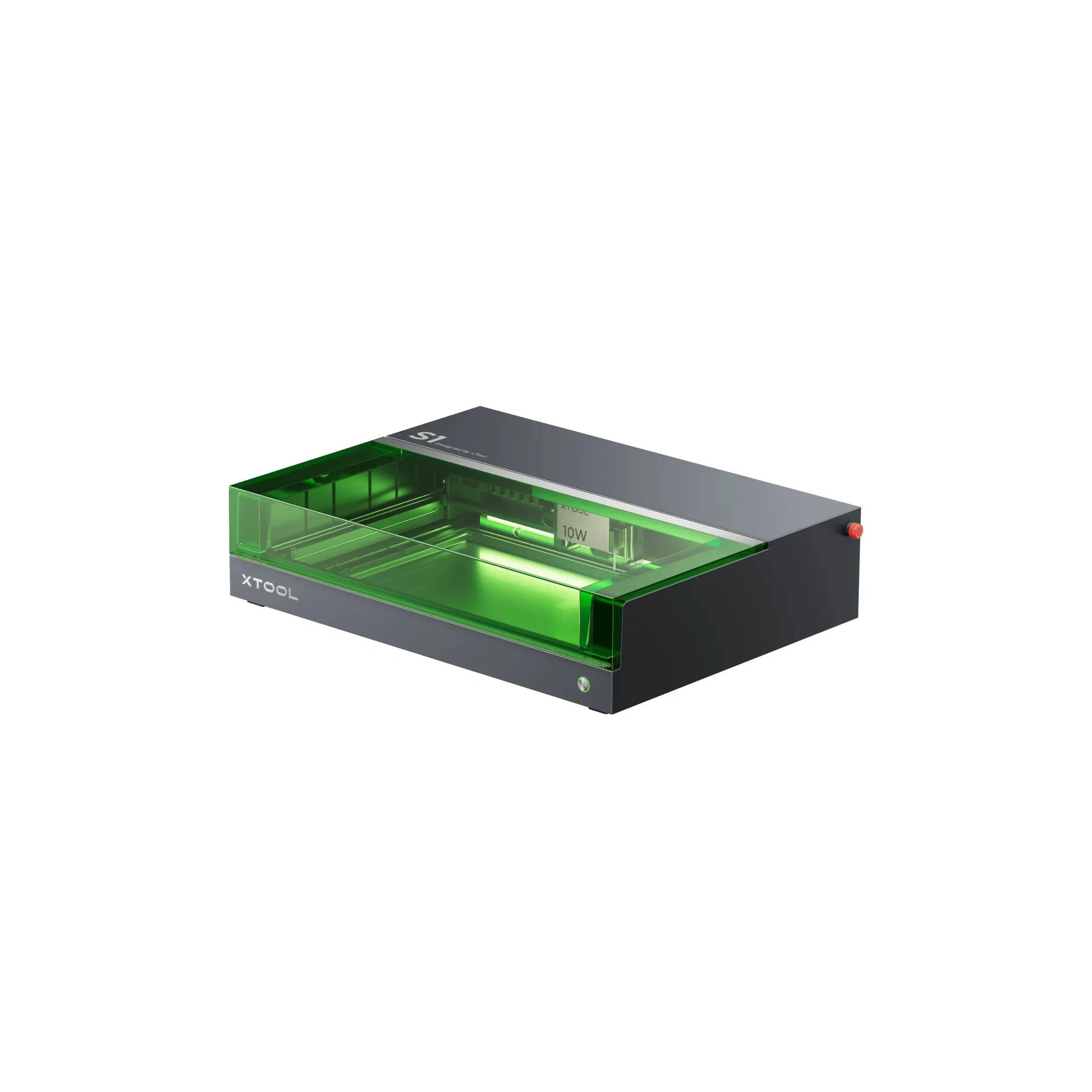
The 20W S1 is the value pick in xTool's enclosed diode line: same cabinet and filters as the 40W, but less cut depth on thick wood. Buy this if safety matters and you mostly engrave.
Sculpfun · Diode · $999 – $1,299
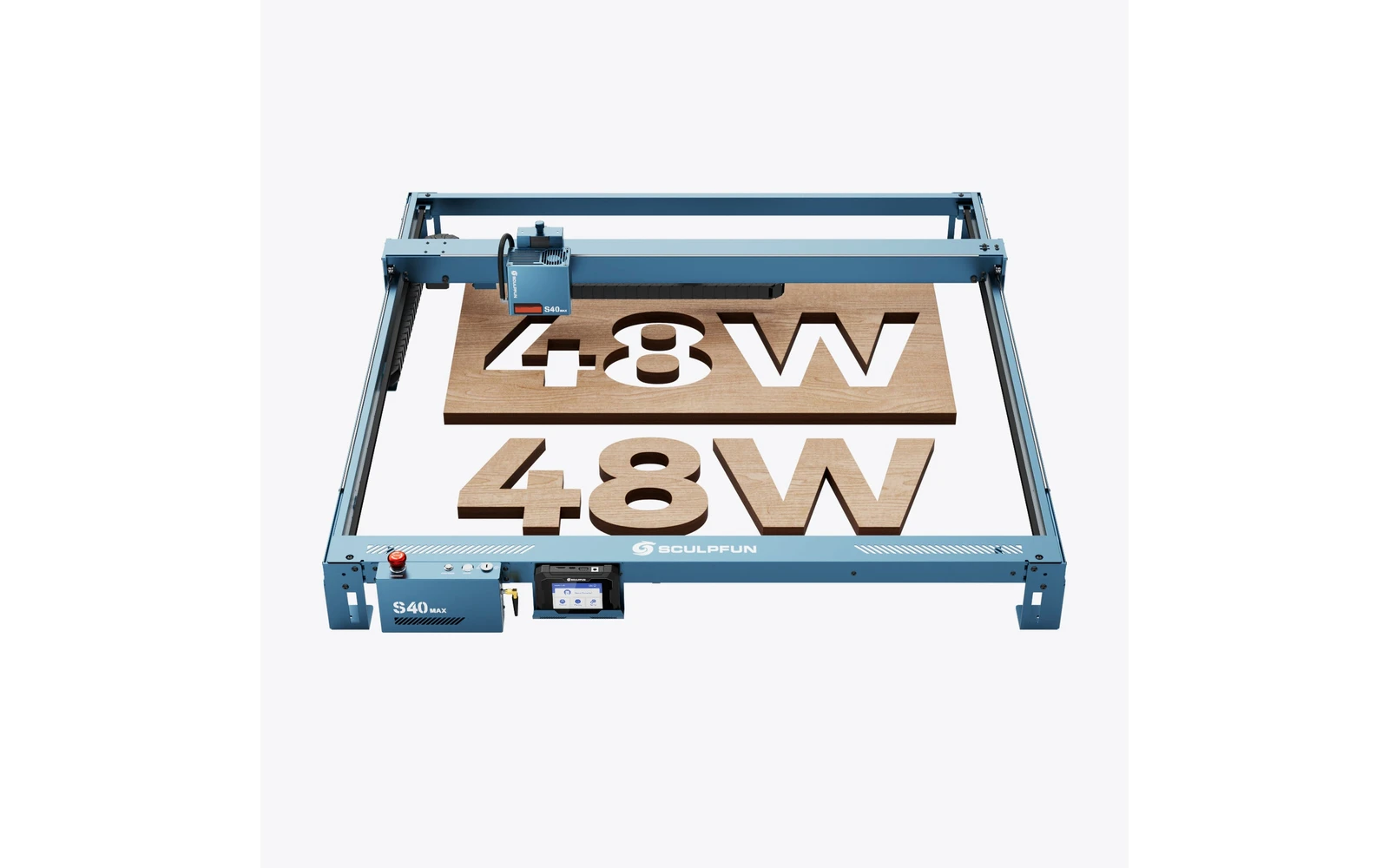
The S40 MAX (2025) targets makers who outgrew 400 mm frames: 830×800 mm work area, 48W optical power, auto-focus, and Wi-Fi via TS1 screen. Built for sign panels and batch cutting: verify shipping weight and workshop space before ordering.
FoxAlien · Diode · $899 – $1,299
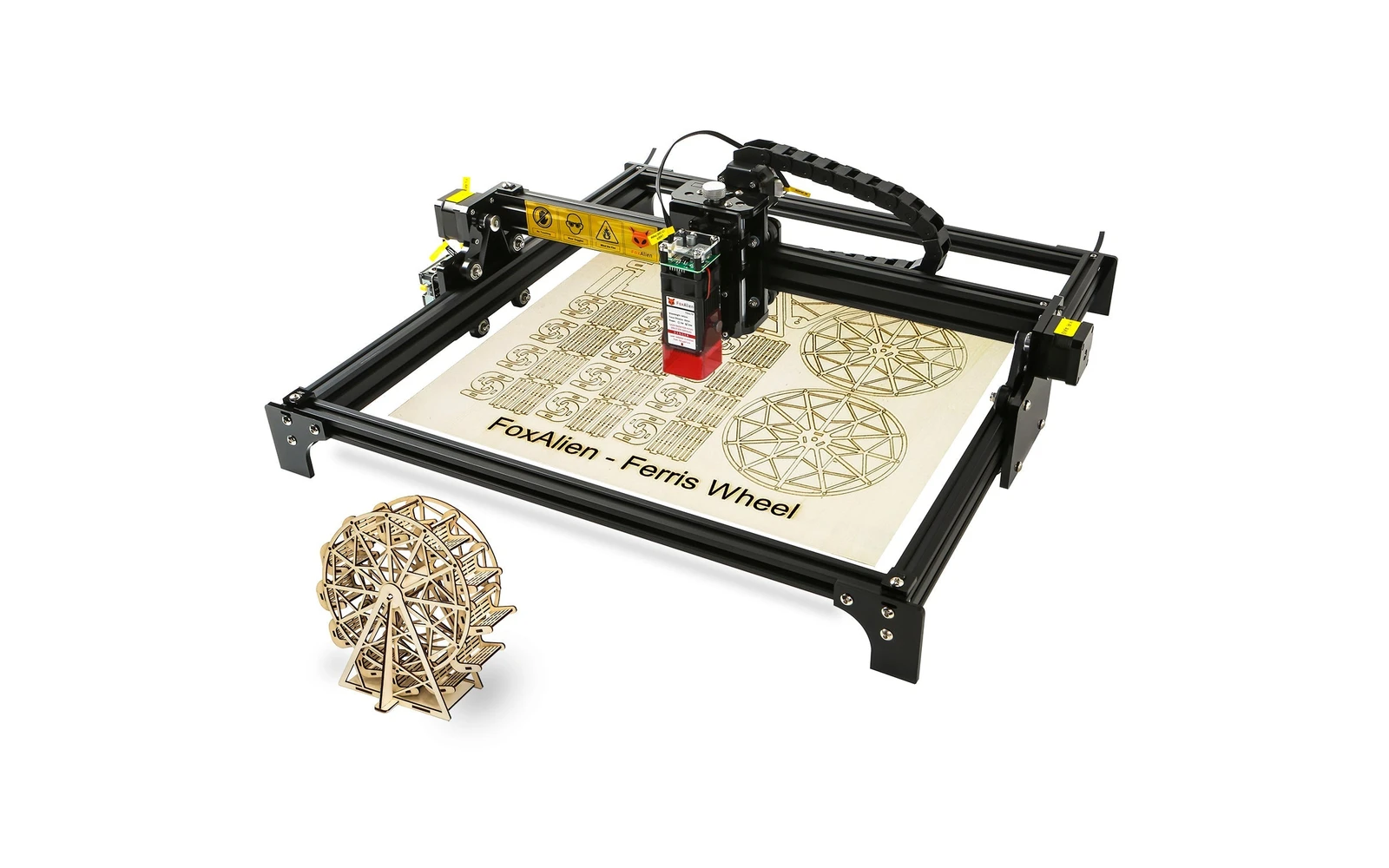
FoxAlien Reizer 40W is the flagship diode in FoxAlien's laser line: 40W class cutting for makers already in the FoxAlien CNC ecosystem. Verify optical power; compare to Atomstack A40 and Ortur H20 40W.