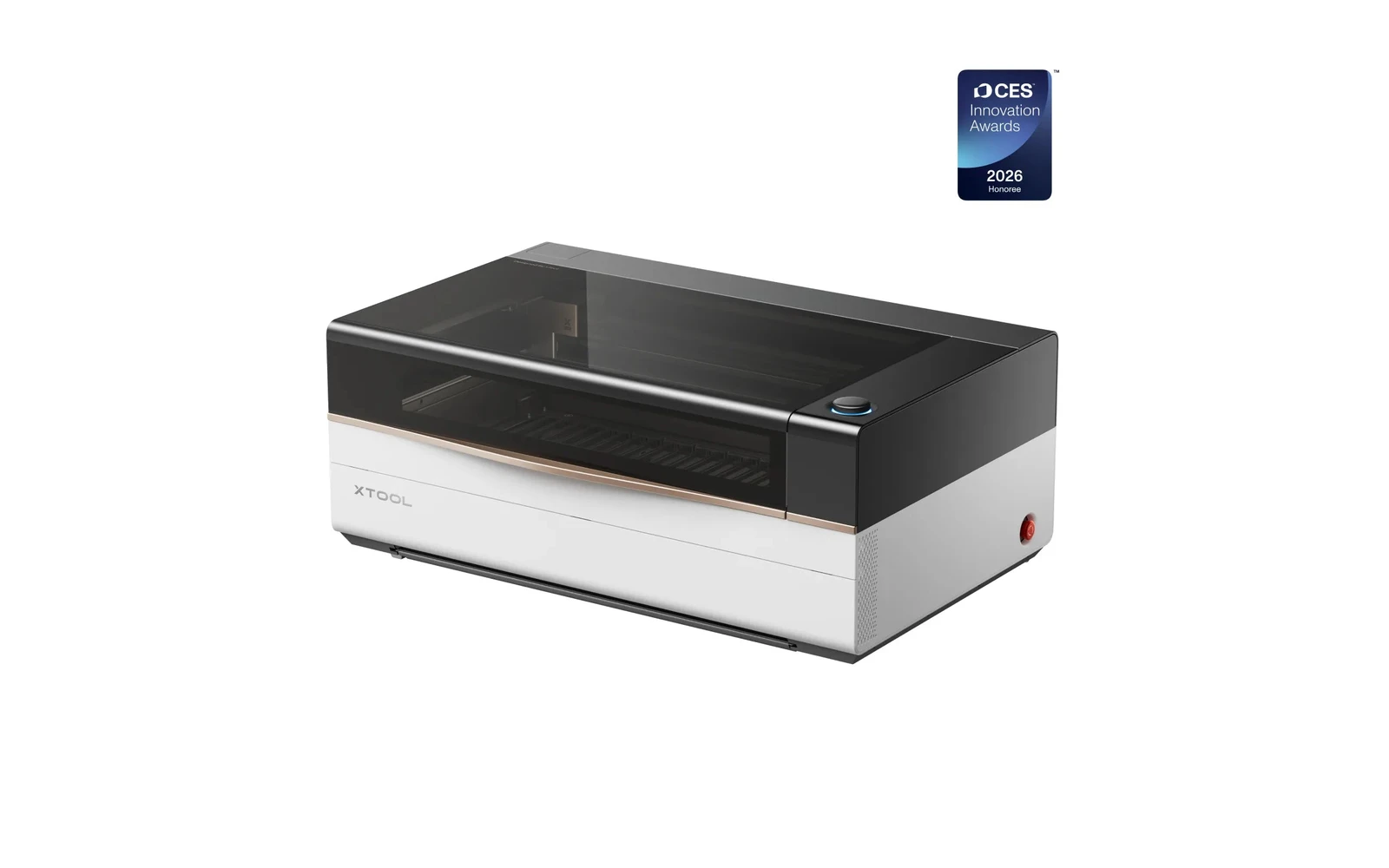
2 manufacturer photos · 1 / 2
xTool · Hybrid (CO₂ + IR)
xTool P3 IR · 5W IR
5W 1064 nm IR head on the P3 chassis: metal marking without a separate fiber box
All xTool models →Add to compare →
Last updated How we evaluate
Released August 2025
Choose installed module
Details below match the selected module.
Showing module: 5W IR
TL;DR
The optional P3 IR module adds 5W 1064 nm marking on stainless, aluminum, and many plastics while keeping the same 80W CO₂ cabinet, automation, and software stack. Buy it when metal jobs are recurring revenue: not a replacement for the CO₂ tube.
Best for
What makes this machine stand out
Hardware and workflow features worth understanding before you buy : not just wattage on a label.
Swappable laser module
You can upgrade optical power (or add an infrared module on some lines) by swapping the laser head on the same chassis : not buying a whole new machine. Check connector compatibility and firmware before assuming your future 40W module fits today’s 10W purchase.
Dual laser sources
Two laser technologies share one machine (for example diode + infrared or hybrid CO₂/IR). You switch modes in software instead of owning separate boxes : great for mixed shops, but read which materials each source actually handles.
LightBurn compatible
LightBurn support means advanced layers, camera tools, and workflows many makers outgrow the stock app with. Confirm your exact controller board before assuming full features : some machines need a paid license separately.
Our verdict
Ideal if you
The 5W IR module on xTool P3 IR is right when you mostly engrave wood, leather, and slate and should not pay for cut watts you will not use weekly. Same chassis, upgrade path later.
Skip if you
Skip this module if you cut 4 mm+ stock daily: open the 80W profile. Cast acrylic and bare metal without spray stay frustrating on diode.
Pros
- 5W IR: metal marking on the same chassis as other modules
- Software listed on the profile: test your workflow (LightBurn or maker app) on scrap first
Cons
- Clear cast acrylic and thick production cutting still favor CO₂, not diode power alone
- Confirm optical wattage on the listing before you buy
What this machine is for
Bare-metal and plastic marking on the P3 platform without a second machine
Optional 1064 nm marking module for P3 owners who need repeatable metal work on the flagship CO₂ chassis.
Laser spot size
~0.03 mm IR spot
Motion precision: 0.01 mm
Sample engrave job
~4–8 min
10 × 10 cm (4 × 4 in)
Sample cut job
Not a cutter
Reference benchmark: same job size on every machine so you can compare times fairly. Times are estimates for the reference job above; your design complexity and settings will change them.
Materials
- · Stainless steel
- · Aluminum
- · Brass
- · Titanium (light)
- · Black plastics
- · Some coated metals
Accessories & add-ons
Typical inclusions and add-ons for this profile : confirm your SKU.
- Optional
Enclosure / cabinet
Third-party enclosure improves smoke control and safety
- Recommended
Laser safety glasses
~450 nm diode: OD rated for your wavelength
- Recommended
Fire extinguisher
Editorial guidance : not a live parts list. See also: Ventilation setup · Safety basics
Practical notes
Beginner notes
This profile is the 5W SKU on xTool P3 IR. Read the TL;DR and benchmarks above, then compare other modules via the chips before buying.
Pro tips
Run stainless parameter libraries on scrap first. Keep CO₂ and IR jobs as separate material presets: swapping heads takes downtime.
Pro / technical specsRaw numbers for experienced users comparing machines.
- Max speed (spec)
- 600 mm/s
- Avg engrave speed
- IR marking speeds
- Avg cut speed
- N/A
Alternatives to the xTool P3 5W IR
Machines in the same space, picked from our database by type, price, and score.
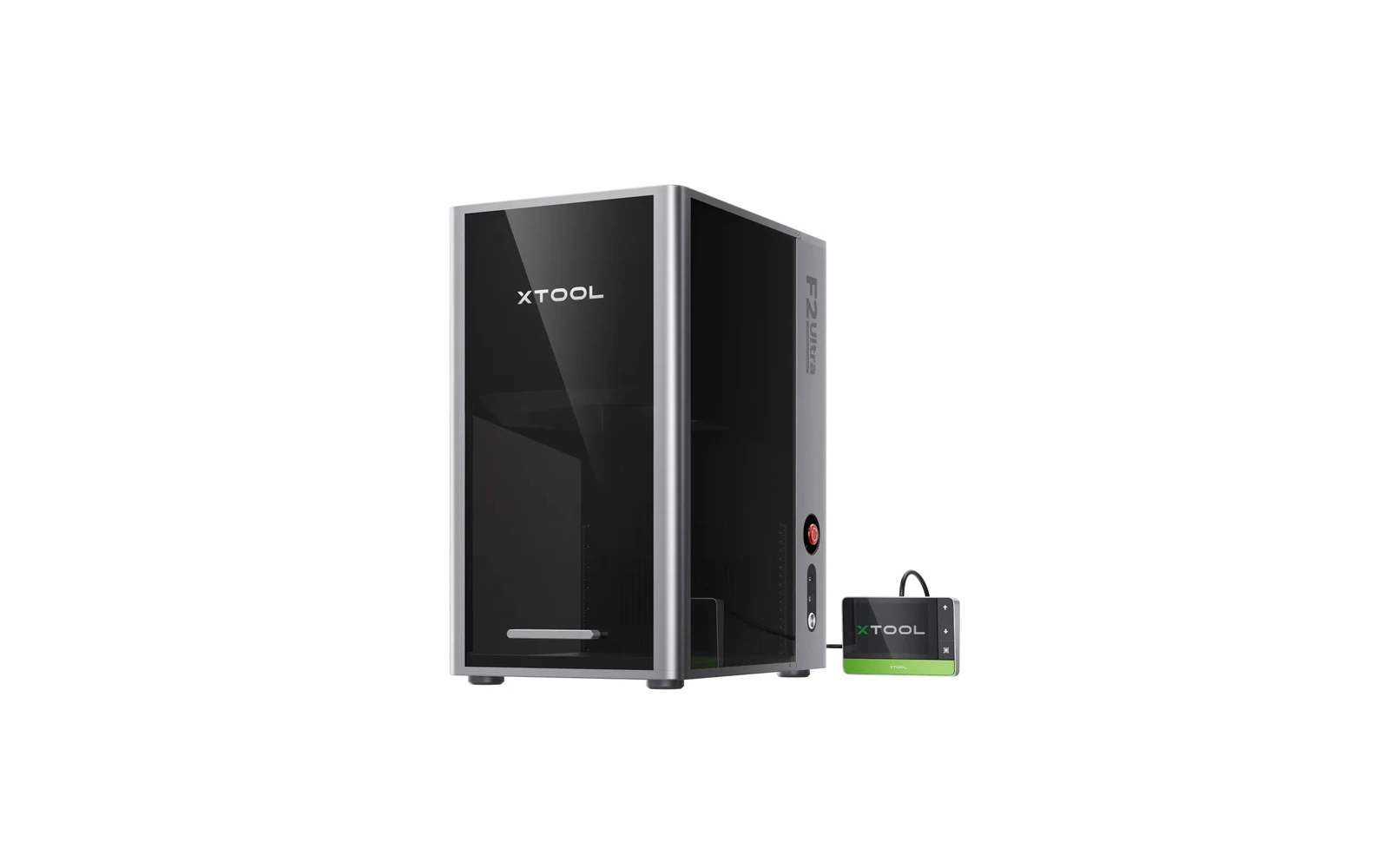
xTool · Hybrid · $3,999 – $4,599
xTool's updated dual-laser desktop builds on F1 Ultra with improved speed and workflow. Still a metal-marking specialist with small default bed. Premium price for jewelry, tools, and batch metal personalization: not a general workshop replacement.
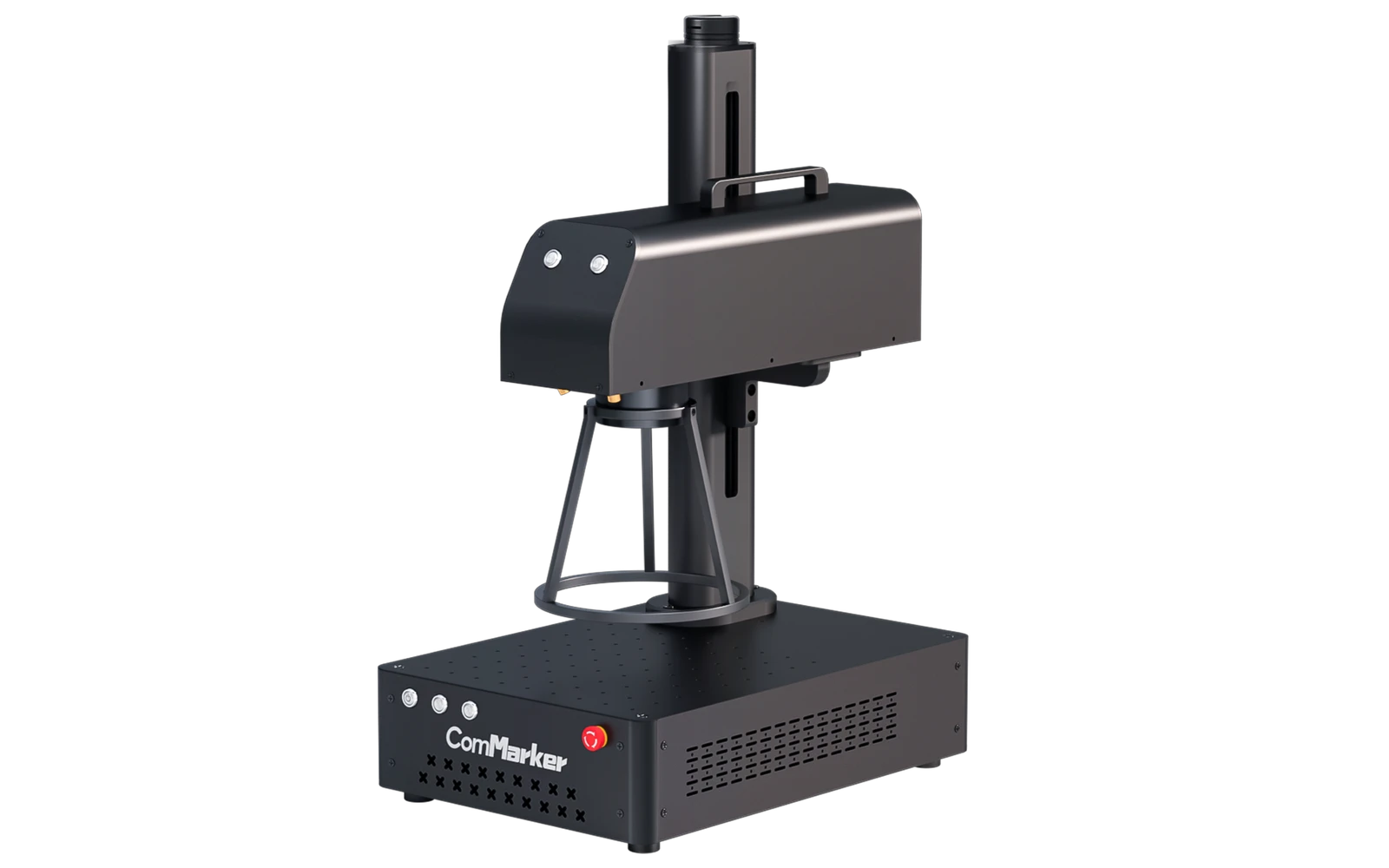
ComMarker · Fiber · $1,299 – $1,899
The ComMarker B4 is a popular entry-level fiber galvo engraver for jewelry, tools, and metal gifts. Marks stainless, aluminum, and brass without spray. Small marking field: not a cutter for wood or acrylic.
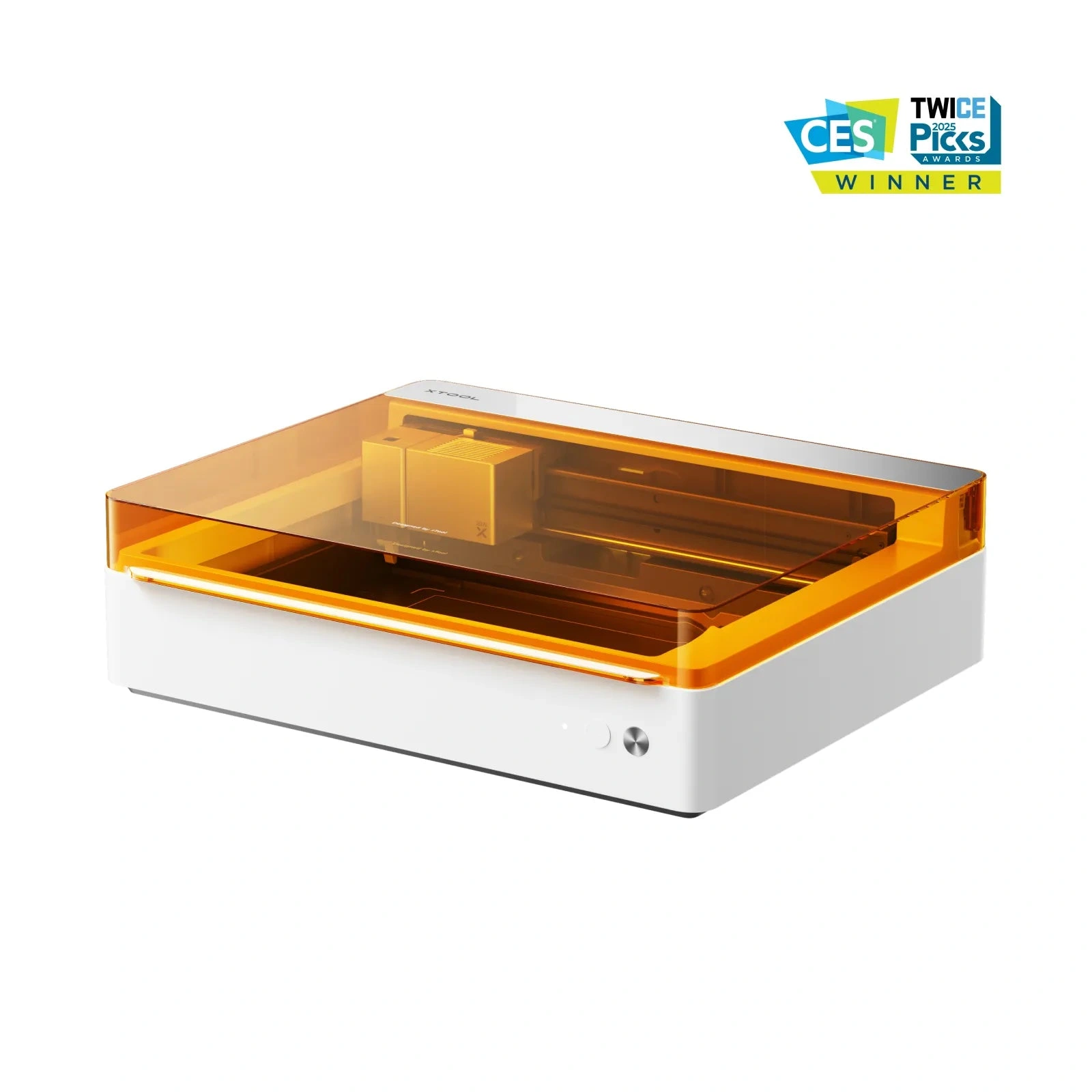
xTool · Hybrid · $1,299 – $1,799
The M1 Ultra combines a diode laser with a digital blade cutter (like a Cricut on steroids). Cut vinyl, paper, and fabric with the blade; engrave wood and leather with the laser. Niche but powerful if your workflow mixes both: wrong pick if you only want laser cutting.