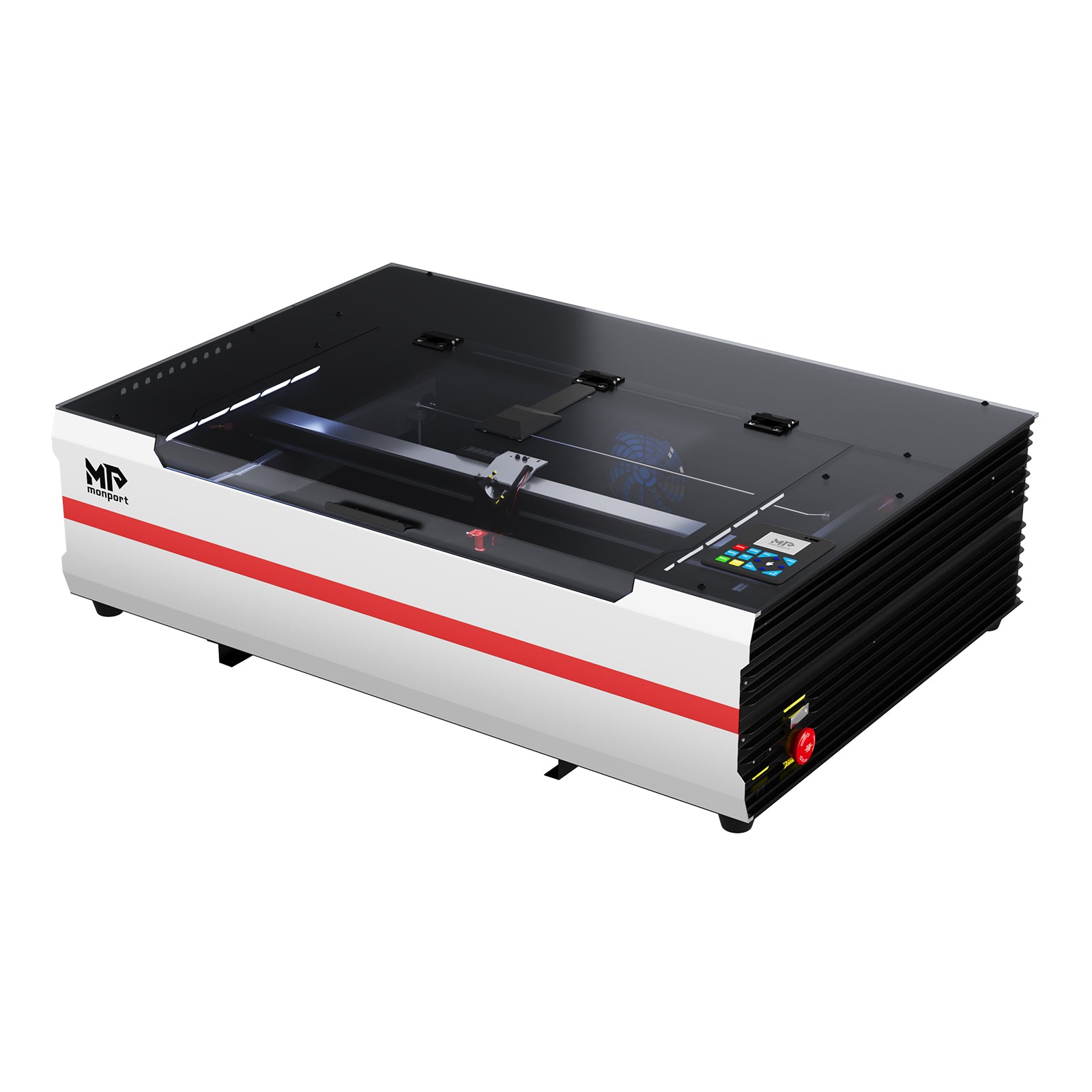
3 manufacturer photos · 1 / 3
Monport · CO₂
Monport 55W CO₂
Mid-range CO₂ with better finish than K40: less tinkering required
All Monport models →Add to compare →
Last updated How we evaluate
Released April 2023
TL;DR
Monport sits between budget K40 machines and premium enclosed CO₂ like xTool P2. The 55W desktop models offer real cutting power with improved build quality and optional autofocus. Still needs ventilation, but closer to 'business ready' than a stock K40.
Compare the Monport 55W CO₂ to…
Popular side-by-side matchups with full specs, scores, and an honest verdict.
Best for
What makes this machine stand out
Hardware and workflow features worth understanding before you buy : not just wattage on a label.
Autofocus / height sensing (Z-style)
The machine measures material height (autofocus, LiDAR, or probe-style sensing) so the lens sits at the right distance before the job starts : you are not dialing focus by hand on every new thickness. Huge time saver on mixed scrap, warped boards, and CO₂ beds with varying acrylic sheets.
Real CO₂ cutting
A glass-tube CO₂ laser cuts cast acrylic and thick soft woods in ways diodes cannot match at the same price tier. Budget for outdoor exhaust or serious filtration : the cutting advantage is real, the ventilation homework is too.
LightBurn compatible
LightBurn support means advanced layers, camera tools, and workflows many makers outgrow the stock app with. Confirm your exact controller board before assuming full features : some machines need a paid license separately.
Our verdict
Ideal if you
Monport CO₂ is built for acrylic signage, thick wood, and shop production once exhaust is sorted. 55W adds headroom on panels and multi-pass jobs.
Skip if you
Avoid without ducting, for occasional gifts only, or if budget ignores tube replacement, power, and floor space. Bare metal without an IR accessory stays out of scope.
Pros
- Strong on acrylic and wood versus diodes on the same budget tier
- Integrated cabinet helps contain the beam and everyday smoke versus open-frame diodes
- Software listed on the profile: test your workflow (LightBurn or maker app) on scrap first
Cons
- Ventilation to the outside is mandatory for regular cutting, not an optional upgrade
- Tube life and replacement cost are part of the true ownership budget
What this machine is for
Mid-range CO₂ production for signs, acrylic & wood shops
Mid-range CO₂ production for sign makers and Etsy sellers outgrowing K40-class machines.
Laser spot size
~0.15 mm CO₂ spot
Motion precision: 0.01 mm
Sample engrave job
~4–7 min
10 × 10 cm (4 × 4 in)
Sample cut job
~2–3 min
10 × 10 cm (4 × 4 in)
Reference benchmark: same job size on every machine so you can compare times fairly. Times are estimates for the reference job above; your design complexity and settings will change them.
Materials
- · Wood
- · Acrylic
- · Leather
- · Glass
- · Rubber
- · Anodized aluminum
Accessories & add-ons
Typical inclusions and add-ons for this profile : confirm your SKU.
- Included
Enclosure / cabinet
- Optional
Laser safety glasses
CO₂ wavelength: match OD rating for 10.6 µm if required by manual
- Recommended
Fire extinguisher
Editorial guidance : not a live parts list. See also: Ventilation setup · Safety basics
Practical notes
Beginner notes
This profile covers Monport 55W CO₂. Read the TL;DR and benchmarks before buying, then compare nearby models on the Compare page.
Pro tips
Budget for exhaust fan upgrade if stock ventilation feels weak. Run a ramp test after delivery to verify focus across the bed. Keep tube cooling water clean: CO₂ tubes fail early with poor maintenance.
Pro / technical specsRaw numbers for experienced users comparing machines.
- Max speed (spec)
- 500 mm/s
- Avg engrave speed
- 150–300 mm/s fill
- Avg cut speed
- 15–45 mm/s on 3 mm acrylic
Common questions
Monport 55W vs OMTech 40W K40 class?
Monport typically offers more power, larger bed, and better out-of-box experience. OMTech K40 is cheaper if you enjoy modding. Monport is the 'grow up from K40' pick.
Do I need water cooling?
Yes. CO₂ glass tubes require a water chiller or continuous cooling loop. Never run the tube without proper cooling: minutes of dry operation can destroy it.
Alternatives to the Monport 55W CO₂
Machines in the same space, picked from our database by type, price, and score.
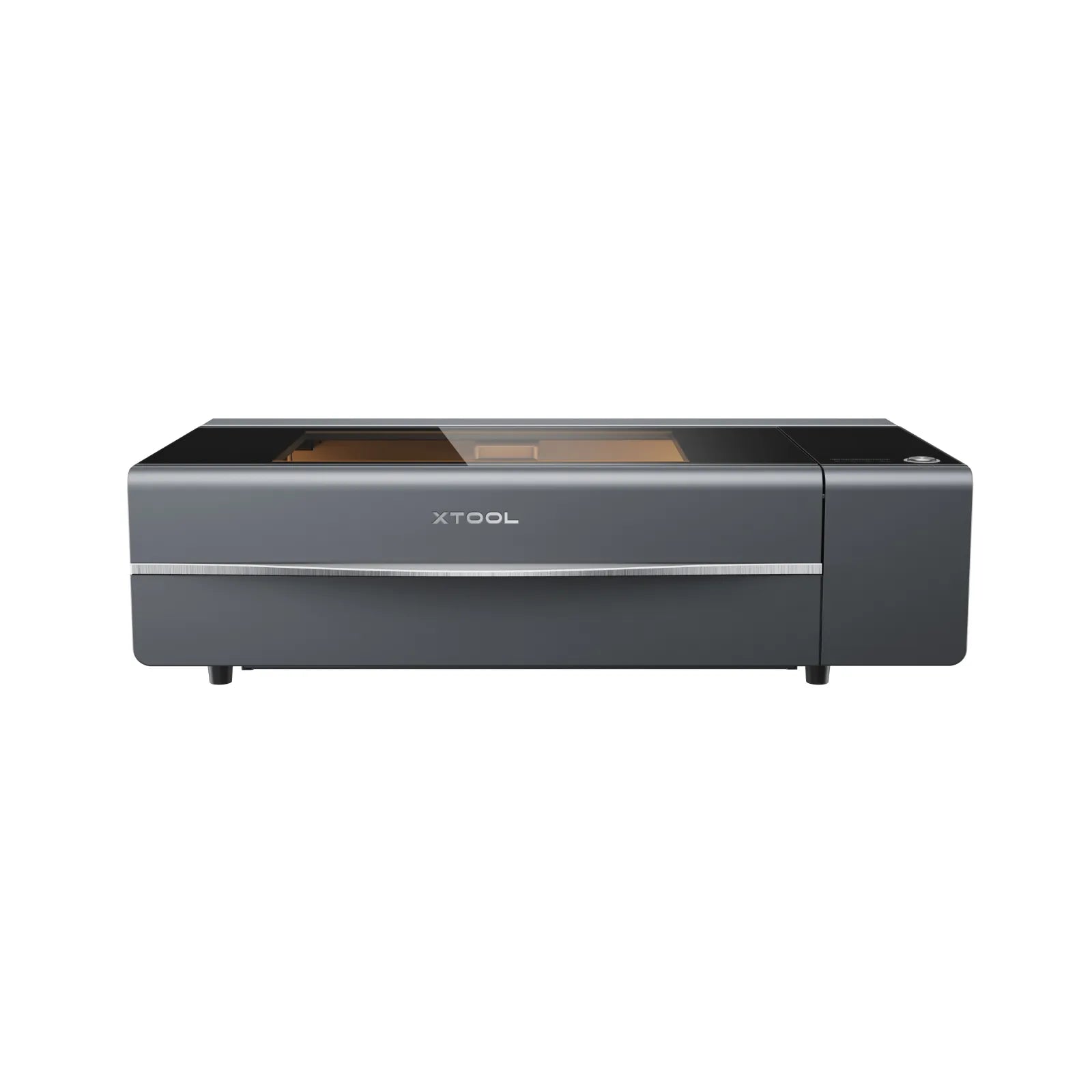
xTool · CO₂ · $4,799 – $5,499
The P2S refines the original P2 with better software and autofocus. Same 55W CO₂ class for acrylic and wood production. Still xTool's main enclosed CO₂ below the P3 flagship: choose P3 if you need 80W and automation; P2S if 55W and budget fit.
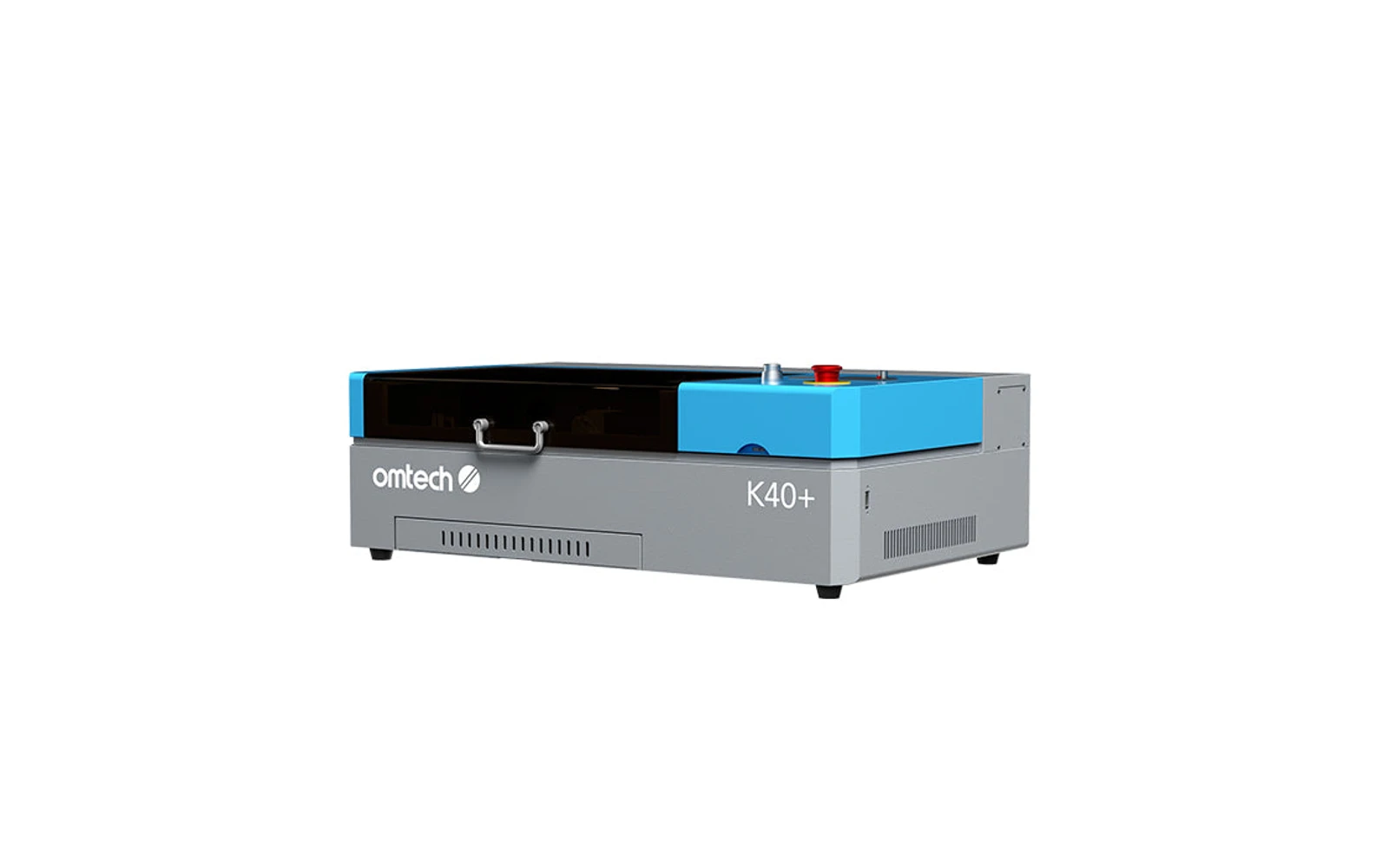
OMTech · CO₂ · $600 – $1,000
The modern evolution of the famous K40. Real CO₂ cutting power at the lowest CO₂ price point. Excellent value if you enjoy upgrading and fixing things. Wrong choice if you want plug-and-play out of the box.
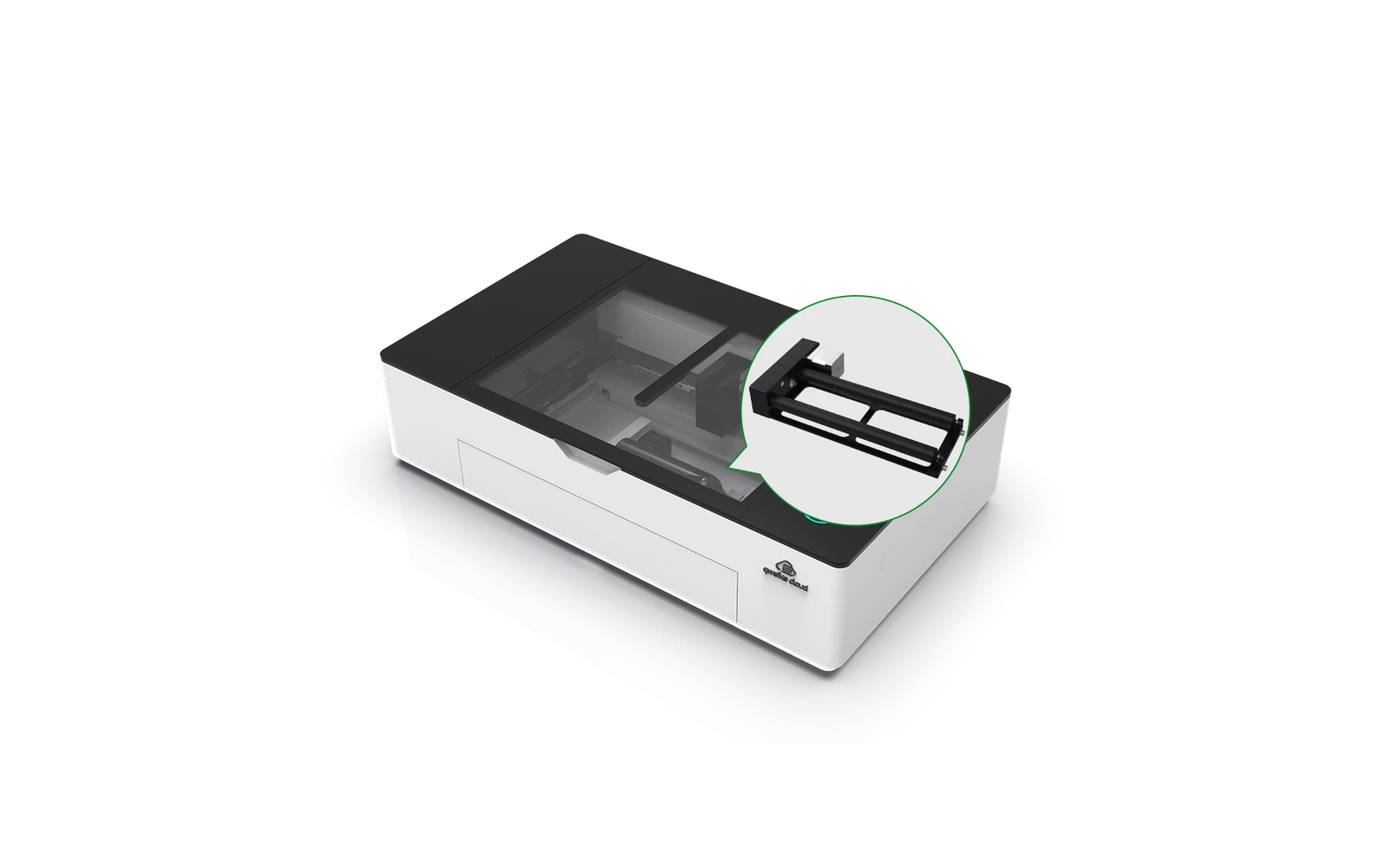
Gweike · CO₂ · $1,659 – $2,539
Gweike Cloud Pro offers enclosed CO₂ cutting with cloud features and competitive pricing vs xTool P2. Good mid-premium CO₂ if you want LightBurn and community support. Verify local warranty before buying.