4 manufacturer photos · 1 / 4
xTool · Hybrid (fiber + diode)
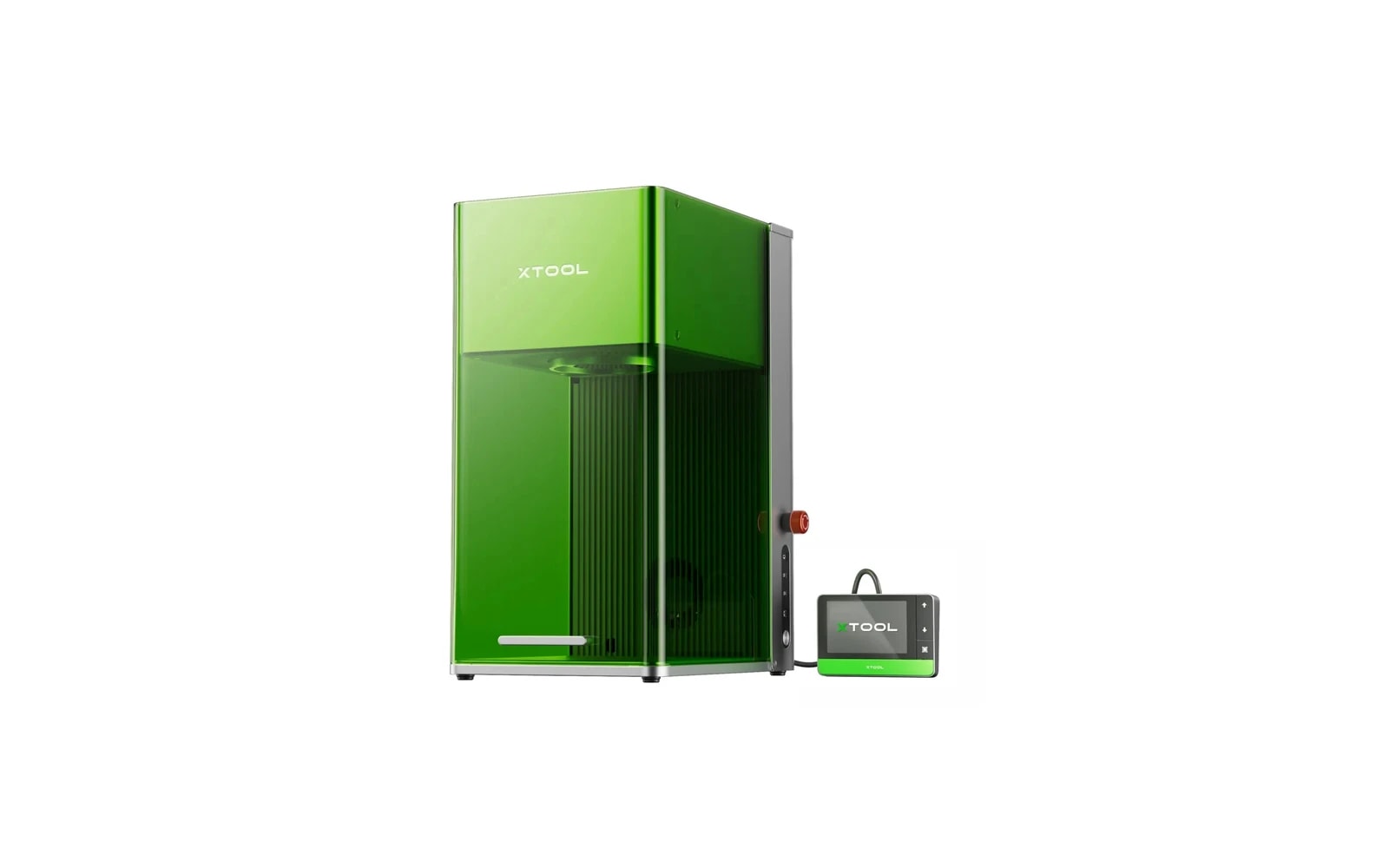
xTool F1 Ultra
Portable dual-laser (fiber + diode) for metal marking and fast engraving
Last updated How we evaluate
Released May 2024
Fiber + diode in one desktop unit
The F1 Ultra switches between a fiber source (metal) and a diode source (wood/acrylic) inside one chassis. You do not swap a 10W diode for a 40W diode — that is the xTool S1 model.
- 20W fiber · Fiber
- 20W diode · Diode
Listed as hybrid because two laser technologies share one machine, not because you pick 10W vs 40W on the same diode head.
What this machine is for
Direct bare-metal marking for jewelry, tools & personalization
Reference benchmark same job size on every machine so you can compare times fairly.
Laser spot size
~0.02 mm fiber spot
Smaller spot = finer detail (frame motion is usually the same across tiers)
Motion precision: 0.00199 mm
Sample engrave job
~3–6 min
Filled logo on stainless steel plate
10 × 10 cm (4 × 4 in)
Sample cut job
Not a cutter
Times are estimates for the reference job above; your design complexity and settings will change them.
TL;DR
A compact desktop machine combining a 20W fiber laser and 20W diode. The fiber module marks bare metal — stainless steel, aluminum, brass — without spray. Ideal for jewelry, knives, and metal gifts. Premium price for a small work area.
What this machine is for
Professional metal marking and small-item engraving for jewelry, personalization businesses, and tool marking.
Best for
Materials
Engraves
- · Stainless steel
- · Aluminum
- · Brass
- · Gold-plated items
- · Wood
- · Leather
- · Plastic (select types)
Cuts
- · Thin wood/leather (diode only, limited)
Cannot do
- · Thick material cutting
- · Large signage (work area too small)
- · Clear acrylic (diode)
- · Deep CO₂-style cuts
Pros
- ✓Marks bare metal directly — no chemical spray needed on fiber
- ✓Extremely fast fiber engraving for production
- ✓Compact and portable compared to open-frame diodes
- ✓Dual laser covers both metal and organic materials
- ✓Optional conveyor for batch metal marking
Cons
- ✗Small default work area — not for large signs or panels
- ✗Very expensive for the cutting/engraving area you get
- ✗Not a replacement for a CO₂ if you cut acrylic or large wood
- ✗Fiber and diode require switching modules (not simultaneous)
- ✗Enclosed but still requires proper ventilation for some materials
Beginner notes
Buy this if metal is your main material — rings, dog tags, tools, tumblers with stainless sleeves. Do not buy it as your first general-purpose laser; the work area is too small for typical hobby projects like large wood signs.
Pro tips
Use the fiber module for all metal work. The diode is a bonus for wood/leather on the same desk. Rotary attachment is essential for rings and cylindrical metal. Dial in power/speed on scrap — fiber is unforgiving on thin metal.
Pro / technical specs
Raw numbers for experienced users comparing machines.
- Laser spot size
- ~0.02 mm fiber spot
- Max speed (spec)
- 15,000 mm/s
- Avg engrave speed
- 500–2,000 mm/s marking
- Avg cut speed
- N/A
- Motion precision
- 0.00199 mm