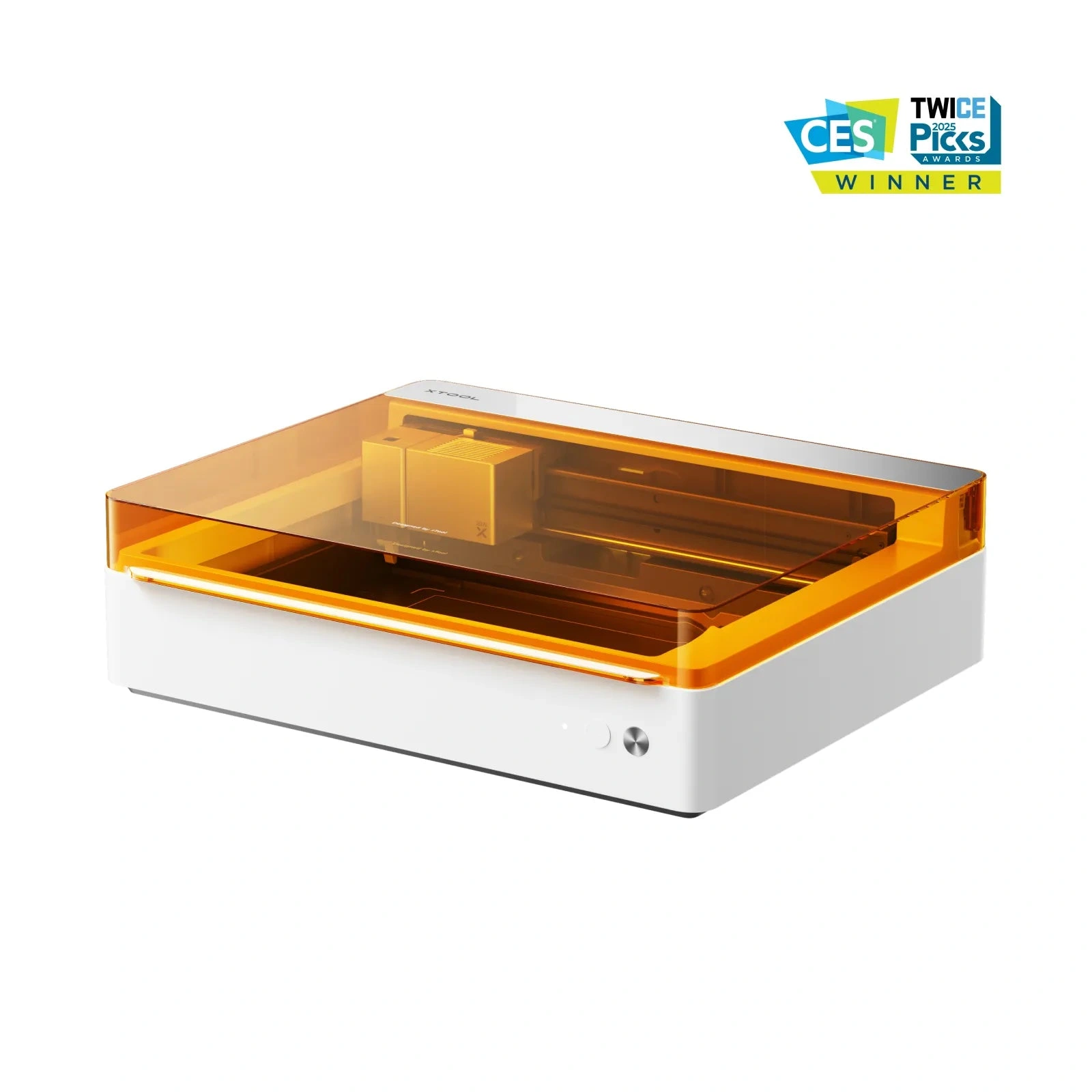
xTool · Hybrid (diode + blade)
xTool M1 Ultra
Laser + blade cutter in one: unique hybrid for crafters and sticker makers
All xTool models →Add to compare →
Last updated How we evaluate
Released September 2024
TL;DR
The M1 Ultra combines a diode laser with a digital blade cutter (like a Cricut on steroids). Cut vinyl, paper, and fabric with the blade; engrave wood and leather with the laser. Niche but powerful if your workflow mixes both: wrong pick if you only want laser cutting.
Best for
What makes this machine stand out
Hardware and workflow features worth understanding before you buy : not just wattage on a label.
Dual laser sources
Two laser technologies share one machine (for example diode + infrared or hybrid CO₂/IR). You switch modes in software instead of owning separate boxes : great for mixed shops, but read which materials each source actually handles.
LightBurn compatible
LightBurn support means advanced layers, camera tools, and workflows many makers outgrow the stock app with. Confirm your exact controller board before assuming full features : some machines need a paid license separately.
Our verdict
Ideal if you
xTool M1 Ultra 10W suits makers who sell marks, photos, and gifts more than daily panel cutting. Reasonable open-frame entry price.
Skip if you
Skip if you already quote 4 mm+ cutting in production. Not for cast acrylic or bare metal without spray.
Pros
- 10W on xTool M1 Ultra: engraving-first: photo fills and leather at moderate speeds
- Software listed on the profile: test your workflow (LightBurn or maker app) on scrap first
Cons
- Clear cast acrylic and thick production cutting still favor CO₂, not diode power alone
- Confirm optical wattage on the listing before you buy
What this machine is for
Vinyl & paper cutting plus light laser engraving in one machine
Hybrid craft machine for vinyl stickers, paper goods, and light laser personalization in one workflow.
Laser spot size
~0.08 mm laser spot
Motion precision: 0.01 mm
Sample engrave job
~10–14 min
10 × 10 cm (4 × 4 in)
Sample cut job
Blade only (~2 min vinyl)
10 × 10 cm (4 × 4 in)
Reference benchmark: same job size on every machine so you can compare times fairly. Times are estimates for the reference job above; your design complexity and settings will change them.
Materials
- · Wood
- · Leather
- · Anodized aluminum
- · Slate
Accessories & add-ons
Typical inclusions and add-ons for this profile : confirm your SKU.
- Optional
Enclosure / cabinet
Third-party enclosure improves smoke control and safety
- Recommended
Laser safety glasses
~450 nm diode: OD rated for your wavelength
- Recommended
Fire extinguisher
Editorial guidance : not a live parts list. See also: Ventilation setup · Safety basics
Practical notes
Beginner notes
This profile covers xTool M1 Ultra. Read the TL;DR and benchmarks before buying, then compare nearby models on the Compare page.
Pro tips
Use blade for all vinyl and paper: laser charred edges on paper look amateur. Use laser for wood/leather personalization. Rotary add-on expands tumbler work on the laser module.
Pro / technical specsRaw numbers for experienced users comparing machines.
- Max speed (spec)
- 400 mm/s laser
- Avg engrave speed
- 60–120 mm/s fill
- Avg cut speed
- Blade 30–80 mm/s · Laser 3–8 mm/s
Common questions
Is M1 Ultra a laser cutter?
Partially. The laser module is 10W diode: fine for engraving and thin cuts, not for acrylic sign production. The blade cutter is the differentiator for vinyl and paper.
M1 Ultra vs Cricut + separate laser?
M1 Ultra saves space and one software stack. Separate machines give you a stronger laser (D1 Pro) plus a dedicated Cricut. Choose integrated convenience vs best-in-class laser.
Alternatives to the xTool M1 Ultra
Machines in the same space, picked from our database by type, price, and score.
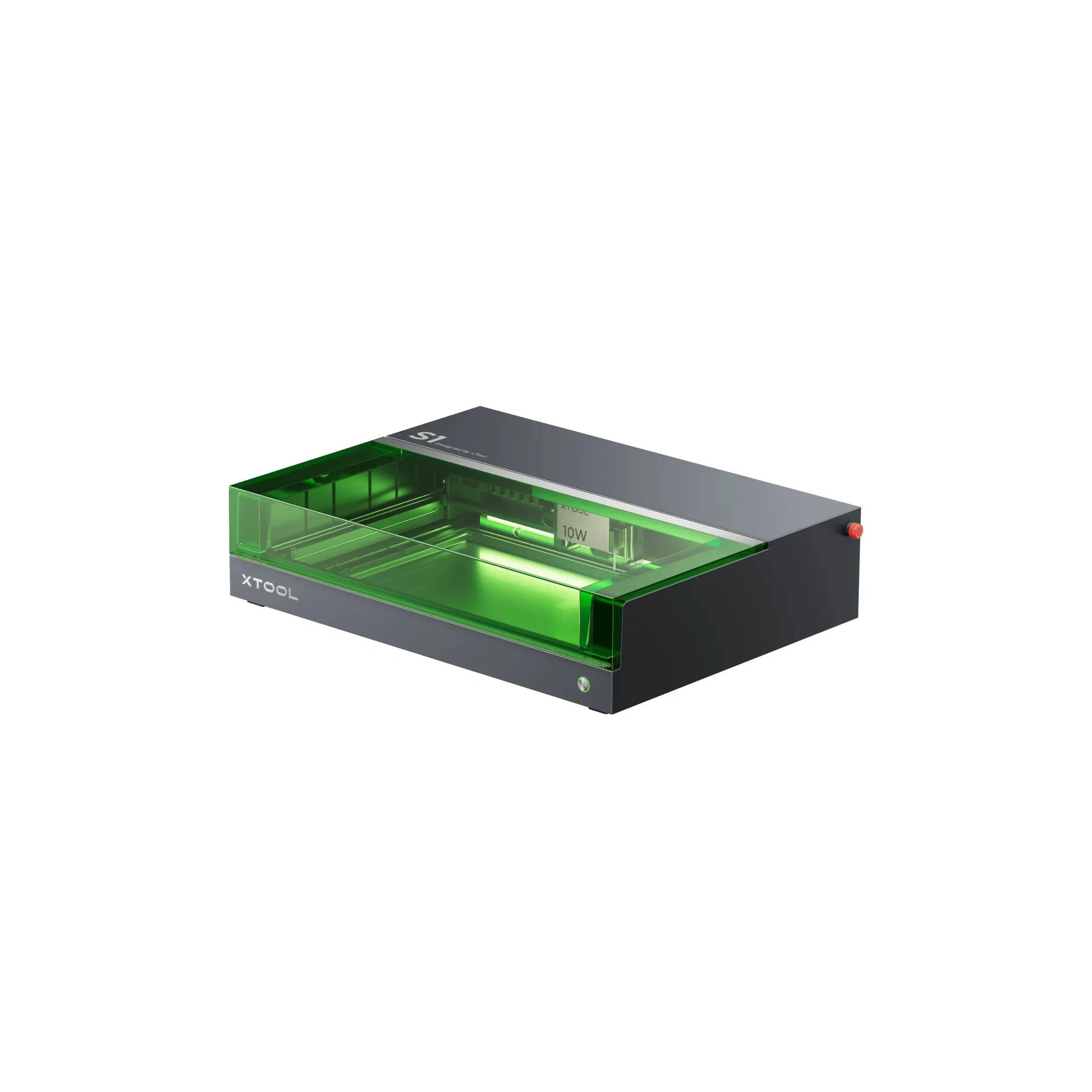
xTool · Diode · $999 – $3,049
The 20W S1 is the value pick in xTool's enclosed diode line: same cabinet and filters as the 40W, but less cut depth on thick wood. Buy this if safety matters and you mostly engrave.
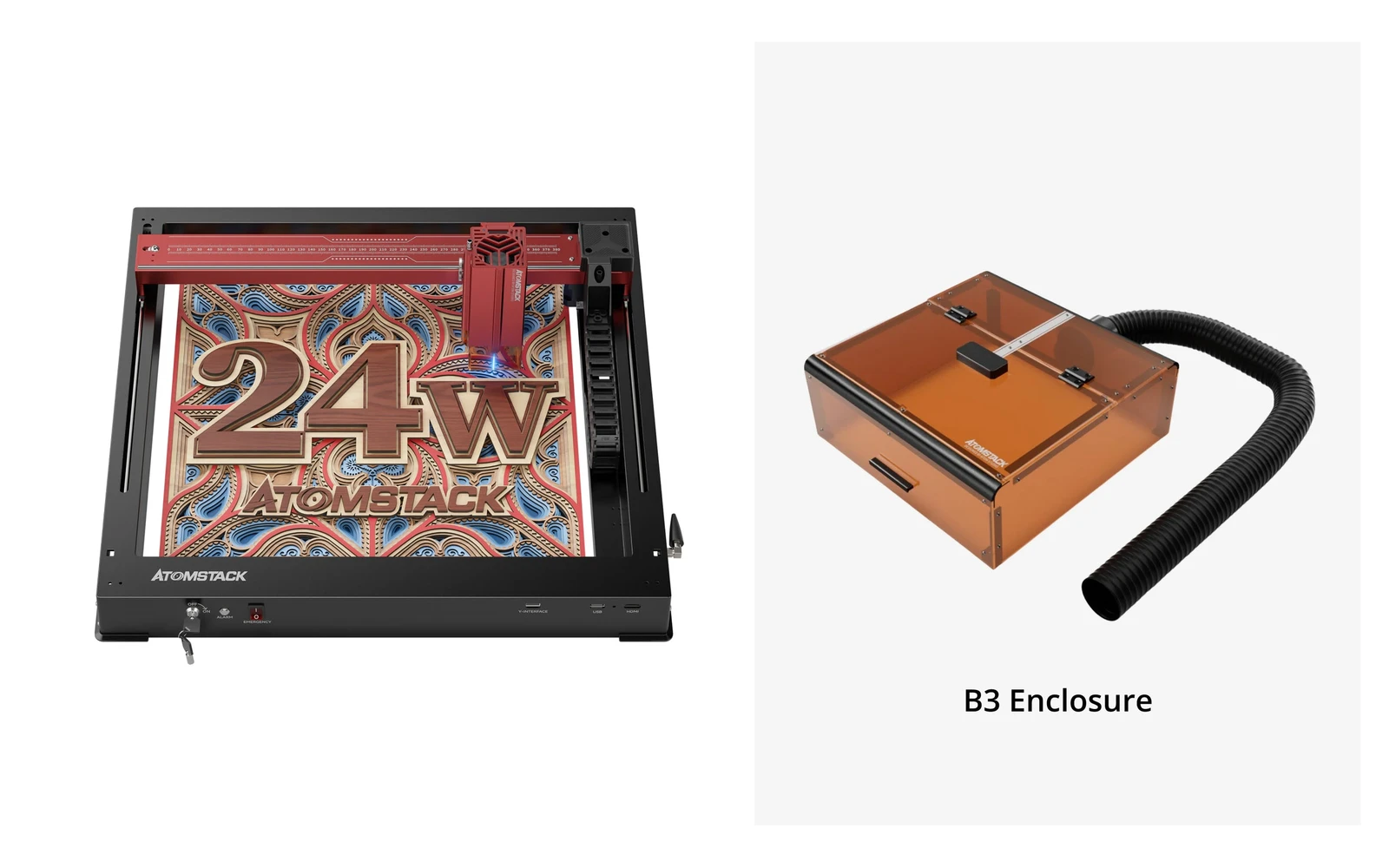
Atomstack · Hybrid · $1,299 – $1,899
AtomStack A24 Pro packs a diode engraver plus fiber marking into a smaller footprint than separate machines. Niche for jewelry-scale metal marking plus wood: not a full workshop fiber or high-power diode.
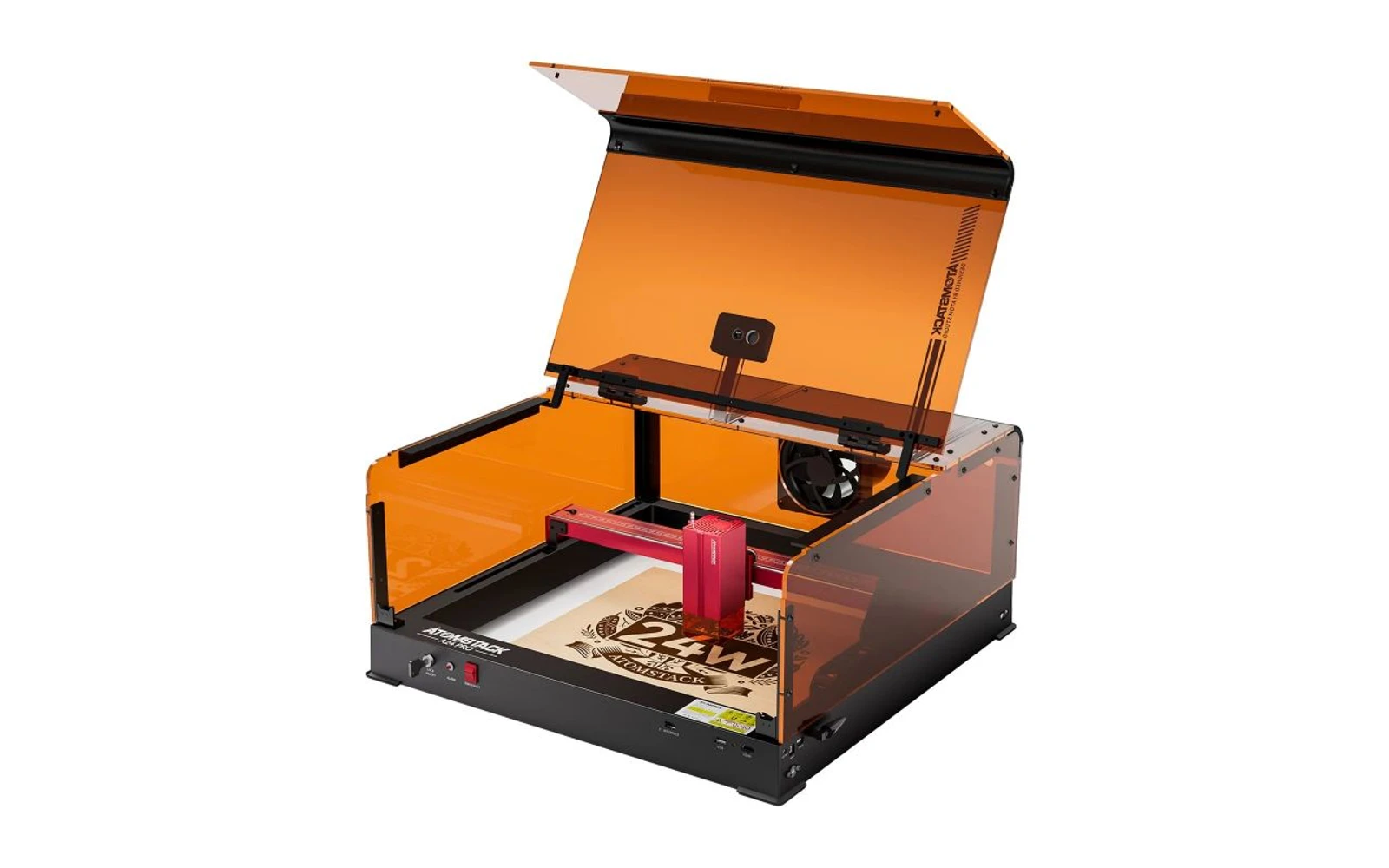
Atomstack · Hybrid · $1,599 – $2,199
AtomStack A24 Ultra is the higher-tier A24 with more diode power and updated hybrid layout. Same use case as A24 Pro: metal marking plus organic work in a compact box: with more headroom for cutting.